
This is a document on SCSD2 registration, including registration flow, fee payment and push notification setting.
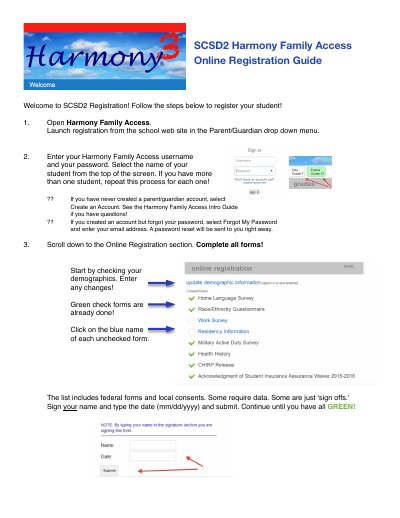
This document provides step-by-step instructions for parents and guardians to register students for the SCSD2 school system. The process begins by accessing the Harmony Family Access portal through the school website to create or log into a parent/guardian account. Users must complete demographic forms and digital consent forms to finalize the registration.
Select Forgot My Password and enter your email address to receive a password reset immediately.
You must type the date in the format mm/dd/yyyy when signing your name.
Yes, SCSD2 accepts cash or check payment for fees at registration or during the school year.