
This document is an instruction manual that introduces the product's usage methods, functional characteristics, etc.
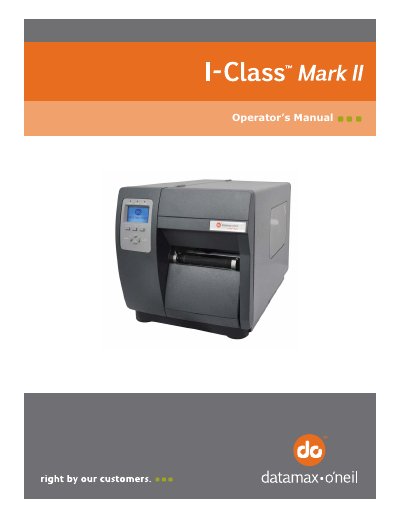
This manual provides step-by-step instructions for setting up, operating, and maintaining the Datamax-O’Neil I-Class Mark II printer. It includes details on power and interface connections, media loading, firmware, and troubleshooting. Safety precautions and compliance standards are also covered.
The printer supports various interfaces including parallel, USB, serial, and optional Ethernet. It features direct thermal and thermal transfer printing with speeds up to 12 inches per second and resolutions up to 600 DPI. Maintenance tasks such as cleaning the printhead and adjusting media width are detailed in the manual.
| Mechanical Width | 12.62 inches (320.6 mm) |
|---|---|
| Depth | 18.60 inches (472.5 mm) |
| Height | 12.70 inches (322.6 mm) |
| Weight | 45 pounds (20.5 kg) |
| Operating Temperature | 32 F to 100 F (0 C to 38 C) |
| Humidity | 10% 95% non-condensing |
| AC Input Voltage | 90 – 132 or 180 – 264 VAC @ 47–63 Hz, auto-ranging. |
| Print Method | Direct Thermal; Thermal Transfer (optional) |
| Print Speed | 2 – 12 IPS (51 – 305 MMPS): I-4212e |
| Resolution | 203 dpi (8 dots/mm): I-4212e |
The printer supports parallel, USB, serial, and optional Ethernet interfaces.
The operating temperature range is 32 F to 100 F (0 C to 38 C).
The print speed for the I-4212e model is 2 – 12 IPS (51 – 305 MMPS).
The printer has 32MB of DRAM memory.