
This user guide covers unpacking, battery installation and charging, loading paper/labels, printer operation via various communication modes, maintenance…
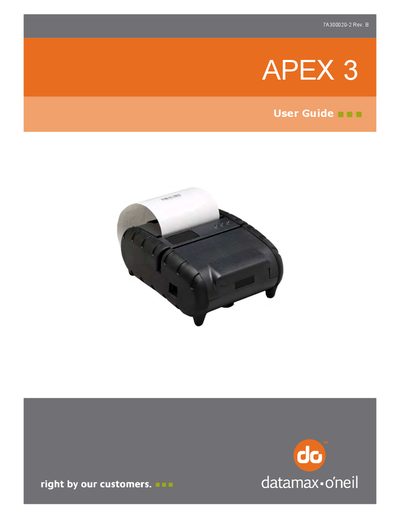
The Datamax-O'Neil APEX 3 is a full-featured portable receipt printer designed for field service, sales, hospitality, ticketing, and other point-of-service environments. It supports both cabled and wireless communication options including RS232, USB, IrDA, Bluetooth, and 802.11g.
| Print Method | Thermal Direct |
|---|---|
| Resolution | 203 dpi (8 dots per mm) |
| Print Head Width | 3 inches wide (80mm) |
| Memory | 1MB RAM, 4MB Program Flash |
| Charging Time | Approximately 180 minutes |
| Operating Temp. Limits | 14°F to 122 °F (-10°C to 50 °C) |
| Weight (w/battery & paper) | 1 lb 4 oz. (583 g) |
The battery will be fast charged and, after approx. 180 minutes, the LED will turn off.
LED #1 flashes blue when power is on and the printer is in Bluetooth mode.
LED #3 flashes red to indicate that the battery voltage has dropped below threshold (6.25 VDC under load).