
This manual introduces the specifications, features, installation and operation methods of the TIE-MATIC HD series printers.
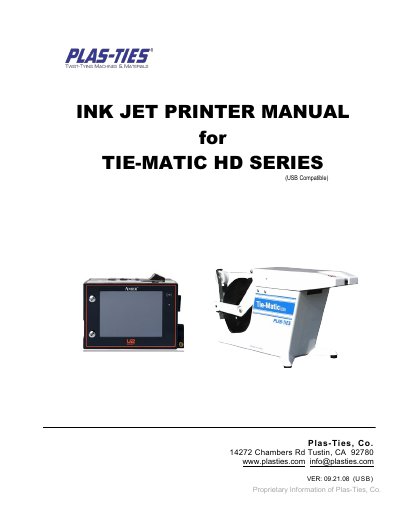
This is the operating manual for the Plas-Ties TIE-MATIC HD Series ink jet printer, marked USB compatible. It opens with a specification table, installation and operation notes, then introduces the printer device, the pocket-sized IR remote keypad and the menu tree.
The rest of the manual walks through the home page and printing guide, system settings such as language, unit of measurement, passwords, font type, global delay, time and message report, followed by editor settings, message and object editing, the dashboard (system, ink, cartridge, alarm), USB sync and the Message Pro software for editing messages and upgrading firmware.
| Printer Display | 3.5" LCD with LED backlight |
|---|---|
| Electrical Requirements | AC 100V~240V, 50/60Hz |
| Dimensions | 119x78.8x76 mm3 |
| Weight | 550 g |
| Operating Temperature | 5℃-50℃ (41℉-122℉) |
| Data Interface | RS485, USB port |
| Printing Engine | Lexmark-powered cartridge, 36 ml, solvent compatible, for non-porous surfaces |
| Print Distance | 6 mm recommended |
| Print Height | Limited to 12.7 mm (0.5"), selectable font size from 2.7 mm to 12.7 mm |
| Mounting Orientation | Horizontal or downside |
| Input Device | Pocket-sized IR remote keypad; compact 7' tablet PC with multi-touch (optional) |
The manual recommends keeping the printing distance to the target object within 6 mm for the best printing quality.
It requires AC 100V~240V, 50/60Hz.
Press the [Tab|→] key on the remote keypad to adjust the message print-delay to the best printing position.
The manual states the admin password is 1234, and up to five groups of user passwords can be set.