
Key facts
- Manuals
- 1
- Languages
- EN
- Last added
- 2023-10-26
Featured Plas-Ties manuals
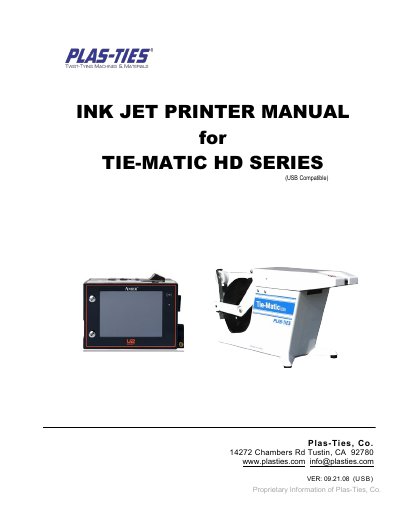
Plas-Ties TIE-MATIC HD Series Ink Jet Printer User Manual
This is the operating manual for the Plas-Ties TIE-MATIC HD Series ink jet printer, marked USB compatible. It opens with a specification table, installation and operation notes, then introduces the printer device, the pocket-sized IR remote keypad and the menu tree.
The rest of the manual walks through the home page and printing guide, system settings such as language, unit of measurement, passwords, font type, global delay, time and message report, followed by editor settings, message and object editing, the dashboard (system, ink, cartridge, alarm), USB sync and the Message Pro software for editing messages and upgrading firmware.
Covers: Specification · Installation · Operation · Device Overview · IR-Remote Keypad · Home Page
Latest Plas-Ties manuals
Plas-Ties TIE-MATIC HD Series Ink Jet Printer User Manual
User Manual 22 pages · 1.1 MB · ENUser manual for the Plas-Ties TIE-MATIC HD Series ink jet printer covering specifications, installation, remote keypad, settings and USB sync.
Which document do I need?
User Manual
Day-to-day operation, settings and troubleshooting. Start here if the product is already set up.
Questions answered in Plas-Ties manuals
What print distance is recommended for the TIE-MATIC HD series printer?
The manual recommends keeping the printing distance to the target object within 6 mm for the best printing quality.
From: Plas-Ties TIE-MATIC HD Series Ink Jet Printer User Manual
What are the electrical requirements of the printer?
It requires AC 100V~240V, 50/60Hz.
From: Plas-Ties TIE-MATIC HD Series Ink Jet Printer User Manual