
Raise3D E2 3D Printer Quick Start Guide

This document is the Quick Start Guide of E2 3D printer, which introduces the safe use, assembly, maintenance, etc. of the printer.
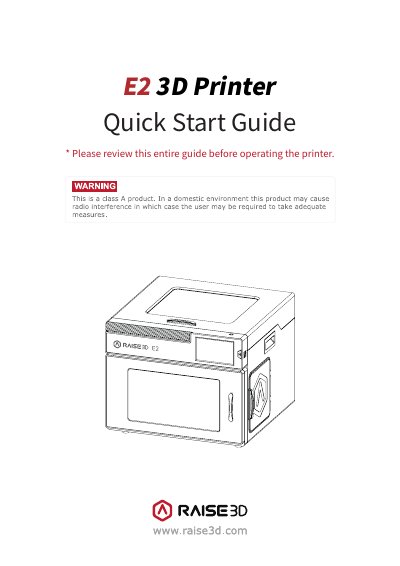

Raise3D E2 3D Printer Quick Start Guide - cover page
Brand
RAISE 3D
Category
Industrial Robot
Document type
Quick Start Guide
Language
English
Pages
28
File format
PDF
File size
3.4 MB
Published
26 October, 2023
Updated
26 October, 2023
MD5 checksum
F8813B9EFC4F1135B2B4917F19AD47DA

About this manual

This document serves as a Quick Start Guide for the Raise3D E2 3D Printer. It provides essential safety warnings regarding hot components and moving parts, along with electromagnetic compatibility declarations for EU and FCC compliance. The guide details the technical specifications of the machine, including its build volume, power requirements, and supported materials.

What's inside

  • Safety
  • Electromagnetic Compatibility
  • Technical Specifications
  • Printer Components and Parts
  • Software Installation
  • WLAN Connection
  • Maintenance
  • Start Printing
  • User Interface
  • Contact Information

Specifications

Machine Size23.9×23.5×18.3 inch / 607×596×465 mm

Frequently asked questions

How do I restart the printer using the power button?

Press the power saving button for 10 seconds to restart the printer.

What is the minimum distance required between the radiator and the body?

The equipment should be operated at a minimum distance of 20cm between the radiator and your body.

Download PDF (3.4 MB)