
Key facts
- Manuals
- 1
- Languages
- EN
- Last added
- 2023-10-26
Featured RAISE 3D manuals
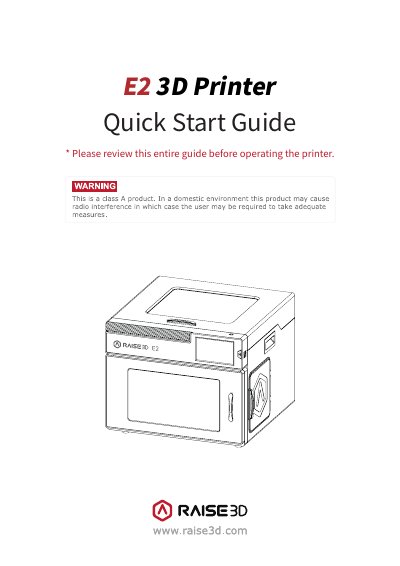
Raise3D E2 3D Printer Quick Start Guide
This document serves as a Quick Start Guide for the Raise3D E2 3D Printer. It provides essential safety warnings regarding hot components and moving parts, along with electromagnetic compatibility declarations for EU and FCC compliance. The guide details the technical specifications of the machine, including its build volume, power requirements, and supported materials.
Covers: Safety · Electromagnetic Compatibility · Technical Specifications · Printer Components and Parts · Software Installation · WLAN Connection
Latest RAISE 3D manuals
Raise3D E2 3D Printer Quick Start Guide
Quick Start Guide 28 pages · 3.4 MB · ENA quick start guide for the Raise3D E2 3D printer, covering safety, installation, software setup, and initial printing instructions.
Which document do I need?
Quick Start Guide
The shortest path to a working setup, usually only a few pages.
Questions answered in RAISE 3D manuals
How do I restart the printer using the power button?
Press the power saving button for 10 seconds to restart the printer.
What is the minimum distance required between the radiator and the body?
The equipment should be operated at a minimum distance of 20cm between the radiator and your body.