
This is a PDF document about Matica printer user guide
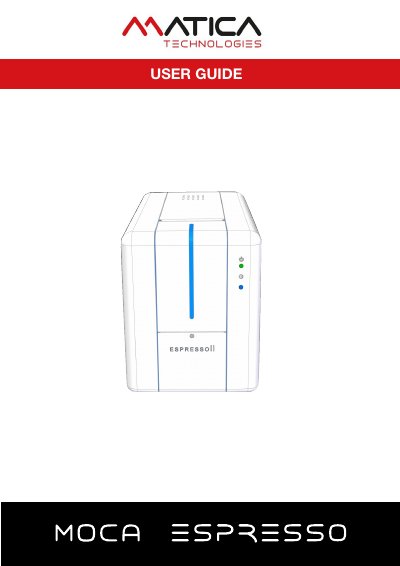
This manual provides instructions for Matica Technologies printers, which support full-color dye-sublimation and monochrome thermal transfer printing on standard 54x86 mm plastic cards. The device can be managed via USB or Ethernet/Wi-Fi connections and includes features like magnetic encoding, smart card encoding, and various connectivity options.
The guide details the complete user workflow, from unpacking and installing the ribbon to configuring the software and printing cards. It also includes specific procedures for routine and advanced cleaning, printhead replacement, firmware updates, and troubleshooting common issues such as power failures or printing errors.
| Print Technology | Color dye sublimation and monochrome thermal transfer |
|---|---|
| Card Dimensions | ISO CR80 - ISO 7810 (53.98 x 85.60 mm) |
| Card Thickness | 0.25 to 1.25 mm (10 to 50 mil) |
| Print Resolution | 300 dpi |
| Memory | Up to 128MB of RAM |
| Input Hopper Capacity | 100 cards |
| Output Hopper Capacity | 30 or 80 cards |
| Single-side Monochrome Speed | Up to 850 cph |
| Single-side YMCKO Speed | Up to 260 cph |
| Dual-side YMCKO-K Speed | Up to 160 cph |
The printer supports PVC, PVC Composite, PE T, ABS, and PET cards.
You can connect the printer via USB or through Ethernet/Wi-Fi networks.
The printer supports magnetic encoding, smart card contact stations, and contactless encoders.