
Key facts
- Manuals
- 1
- Languages
- EN
- Last added
- 2023-10-26
Featured Matica Technologies manuals
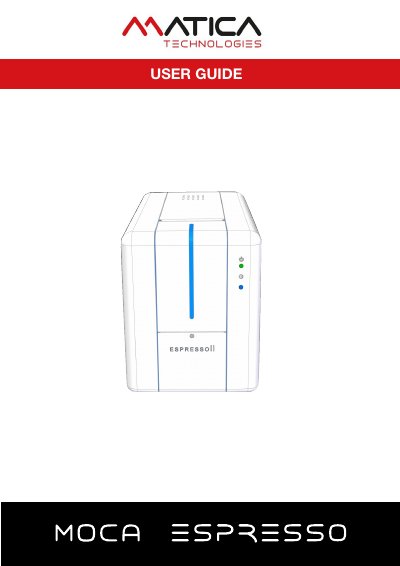
Matica Technologies Printer User Guide
This manual provides instructions for Matica Technologies printers, which support full-color dye-sublimation and monochrome thermal transfer printing on standard 54x86 mm plastic cards. The device can be managed via USB or Ethernet/Wi-Fi connections and includes features like magnetic encoding, smart card encoding, and various connectivity options.
The guide details the complete user workflow, from unpacking and installing the ribbon to configuring the software and printing cards. It also includes specific procedures for routine and advanced cleaning, printhead replacement, firmware updates, and troubleshooting common issues such as power failures or printing errors.
Covers: Product Overview · Getting Started · Installation Procedures · Installing the Software · Printing · Printer Maintenance
Latest Matica Technologies manuals
Matica Technologies Printer User Guide
User Manual 53 pages · 5.6 MB · ENThis user guide covers the setup, operation, maintenance, and troubleshooting of Matica Technologies dye-sublimation and thermal transfer printers for…
Which document do I need?
User Manual
Day-to-day operation, settings and troubleshooting. Start here if the product is already set up.
Questions answered in Matica Technologies manuals
What types of plastic cards are supported?
The printer supports PVC, PVC Composite, PE T, ABS, and PET cards.
How do I connect the printer to a computer?
You can connect the printer via USB or through Ethernet/Wi-Fi networks.