
This manual introduces the use of data interface DI 220, including connection methods, usage methods, installation methods, etc.
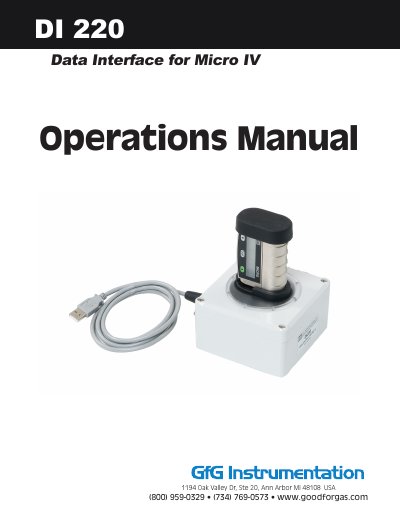
This manual guides users through installing and operating the Micro IV DI 220 data interface for gas detection equipment. It covers USB setup, software installation, configuring alarm thresholds, calibration procedures, and data logging. Safety precautions and hardware specifications are also included.
The device connects via USB to a PC and allows configuration and data transfer using the G220CNF software. It supports calibration and bump tests, with data exportable to Excel. Technical specifications include dimensions, power, and housing material.
| Type | DI 220 Data Interface |
|---|---|
| Gas Supply | 0.5 l/h |
| Power Supply | USB |
| Housing Material | ABS |
| Dimensions | 4 x 2.4 x 4 inches / 100 x 60 x 100 mm (WxHxD) |
Insert the CD into your CD drive. Start Setup.exe directly if Autostart is disabled. Follow on-screen instructions. Administrator rights are needed for Windows NT.
Supply air or test gas at 0.5 l/min ± 0.1 l/min. Click 'Start Zero' for zero adjustment using synthetic air. Enter gas concentration and click 'Start Cal' for calibration. The 'Result' field shows success or failure.