
Key facts
- Manuals
- 7
- Languages
- EN
- Last added
- 2023-10-26
Featured GfG Instrumentation manuals
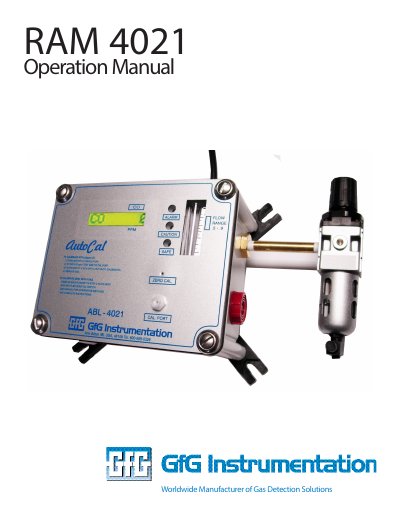
GfG Instrumentation RAM 4021 Carbon Monoxide Monitor Operation Manual
The GfG Instrumentation RAM 4021 is a continuous monitoring unit designed for carbon monoxide levels in breathing air. It features a NEMA-4X polycarbonate case, operates on 110 VAC power, and includes a case-mounted horn. The unit utilizes a microprocessor for automatic calibration adjustments and includes setup modes for flow, alarm points, and relay control.
Covers: For Your Safety · Description · Setup Mode · Lights/Alarms · Operation · Calibration
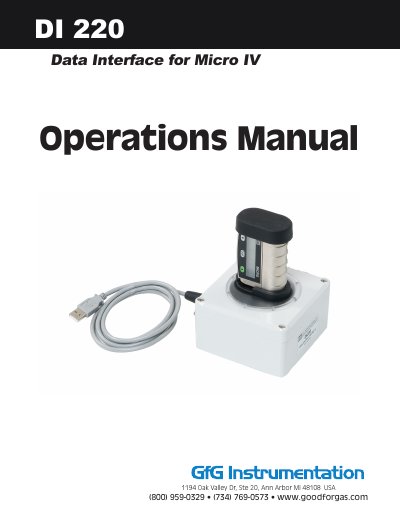
GfG Instrumentation Micro IV DI 220 Operations Manual
This manual guides users through installing and operating the Micro IV DI 220 data interface for gas detection equipment. It covers USB setup, software installation, configuring alarm thresholds, calibration procedures, and data logging. Safety precautions and hardware specifications are also included.
The device connects via USB to a PC and allows configuration and data transfer using the G220CNF software. It supports calibration and bump tests, with data exportable to Excel. Technical specifications include dimensions, power, and housing material.
Covers: Introduction · For Your Safety · Application and Use · Connection and Operation Elements · Positioning and Putting into Operation · Installation
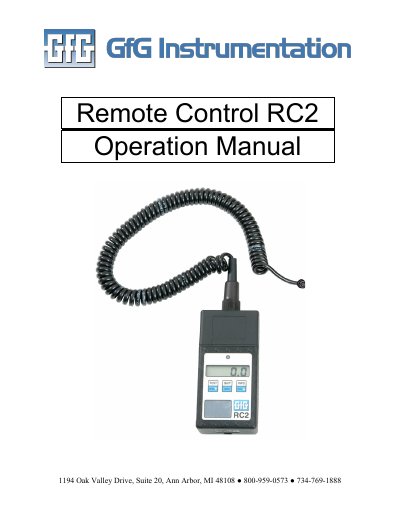
GfG RC2 Remote Controller Operation Manual
This manual covers the operation, safety, and maintenance of the GfG RC2 remote controller, designed for use with GfG transmitters in explosive environments. It includes instructions for connecting the device, replacing the battery, troubleshooting common issues, and technical specifications. The RC2 is approved for use in explosive areas under ATEX certification and supports a maximum cable length of 10 meters when connected to compatible transmitters.
Covers: For your Safety · Operational hints · General description · Trouble Shooting · Replacement of battery · Signal transmission
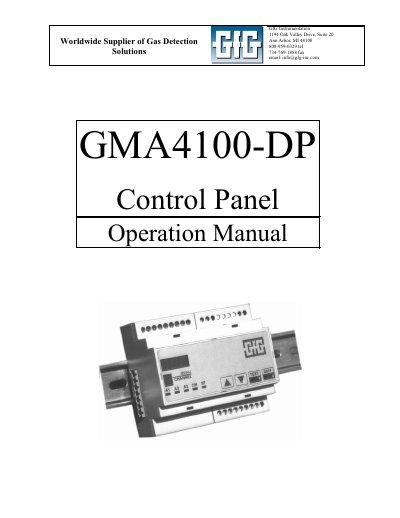
GfG Instrumentation GMA4100-DP Control Panel Operation Manual
The GMA4100-DP controller module provides power supply for a dew point transmitter and processes its signals to monitor compressed air for dew point levels. It features a 3-digit display, menu navigation, adjustable alarm thresholds, peak value memory, and configurable relay functions. The device continuously displays the measured dew point in degrees Celsius and provides analog output signals for further evaluation.
Covers: Introduction · Powering On · Detection Mode · Peak Value Memory · Alarms · Fault
Latest GfG Instrumentation manuals
GfG Instrumentation RAM 4021 Carbon Monoxide Monitor Operation Manual
User Manual 16 pages · 884 KB · ENOperation and maintenance manual for the GfG Instrumentation RAM 4021 continuous carbon monoxide monitoring unit.
GfG Instrumentation Micro IV DI 220 Operations Manual
User Manual 9 pages · 1.4 MB · ENUser manual for GfG's Micro IV DI 220 data interface, covering setup, calibration, data logging, and safety instructions.
GfG RC2 Remote Controller Operation Manual
User Manual 12 pages · 1.6 MB · ENUser manual for GfG RC2 remote controller, including safety, operation, battery replacement, and technical specs for use with GfG transmitters.
GfG Instrumentation GMA4100-DP Control Panel Operation Manual
User Manual 13 pages · 404 KB · ENThis manual provides operating instructions, safety guidelines, and maintenance procedures for the GfG Instrumentation GMA4100-DP Control Panel used for dew…
GfG Instrumentation GMA41 Gas Detection Instrument Operation Manual
User Manual 32 pages · 514 KB · ENOperation manual for GfG Instrumentation's GMA41 gas detection instrument, covering setup, detection modes, alarms, maintenance, and technical specifications.
GfG Instrumentation G750 Gas Detector Operation Manual
User Manual 60 pages · 1.8 MB · ENUser manual for the G750 handheld gas detector, covering safety, operation, sensor replacement, calibration, and technical specs.
GfG Instrumentation EC35 Gas Transmitter Operation Manual
User Manual 20 pages · 160 KB · ENOperation manual for the GfG Instrumentation EC35 intelligent gas transmitter, covering installation, operation, service, and troubleshooting.
Which document do I need?
User Manual
Day-to-day operation, settings and troubleshooting. Start here if the product is already set up.
Questions answered in GfG Instrumentation manuals
How often should the carbon monoxide sensor be calibrated?
It is recommended to calibrate the unit every 30 days.
From: GfG Instrumentation RAM 4021 Carbon Monoxide Monitor Operation Manual
What is the procedure to initialize a new sensor?
Hold the ZERO/CAL switch for 15 seconds with the air supply OFF until the display reads INIT-ING.
From: GfG Instrumentation RAM 4021 Carbon Monoxide Monitor Operation Manual
How do I install the DI 220 software?
Insert the CD into your CD drive. Start Setup.exe directly if Autostart is disabled. Follow on-screen instructions. Administrator rights are needed for Windows NT.
How do I calibrate the detector using the DI 220?
Supply air or test gas at 0.5 l/min ± 0.1 l/min. Click 'Start Zero' for zero adjustment using synthetic air. Enter gas concentration and click 'Start Cal' for calibration. The 'Result' field shows success or failure.
Can the RC2 be used in explosive areas?
Yes, the RC2 is approved for use in explosive areas and is subject to an EC-Type examination Certificate issued by DEKRA EXAM GmbH, according to directive 94/9/EG (ATEX 100a).
What type of battery should I use?
Only use 9V block batteries type DURACELL-PROCELL Alkaline, 6LR61 / MN1604, the plastic bottoms of which prevent the leaking of electrolyte.