
Explains the use of the door opener, including the installation, programming and use of the opener
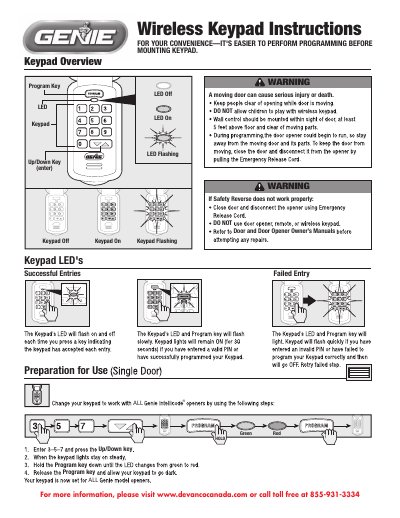
This manual explains how to program and mount a wireless keypad for Devanco door openers. It covers setting up a PIN, synchronizing the keypad with the opener, and using the keypad to control the door. Safety warnings are included to prevent injury during operation. The manual also provides guidance on replacing batteries, resetting the PIN, and ordering repair parts.
Enter 3-5-7, press the Up/Down key, hold the Program key until the LED changes from green to red, then release and let the keypad go dark.
Enter your current PIN and press the Program key 3 times, then enter a temporary PIN and press the Program key.