
Key facts
- Manuals
- 2
- Languages
- EN
- Last added
- 2023-10-26
Featured Devanco manuals
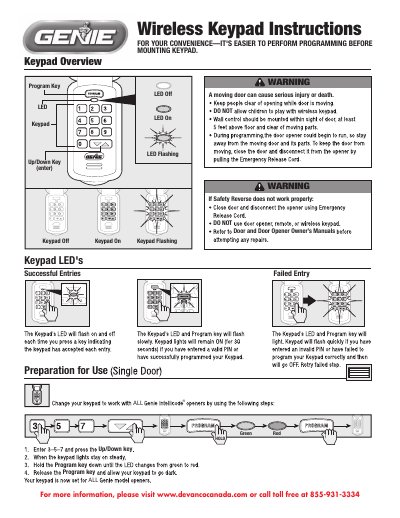
Devanco Door Opener Wireless Keypad User Manual
This manual explains how to program and mount a wireless keypad for Devanco door openers. It covers setting up a PIN, synchronizing the keypad with the opener, and using the keypad to control the door. Safety warnings are included to prevent injury during operation. The manual also provides guidance on replacing batteries, resetting the PIN, and ordering repair parts.
Covers: Programming the Keypad · Mounting the Keypad · Using the Keypad · Temporary PIN · Resetting PIN · Replacing Batteries
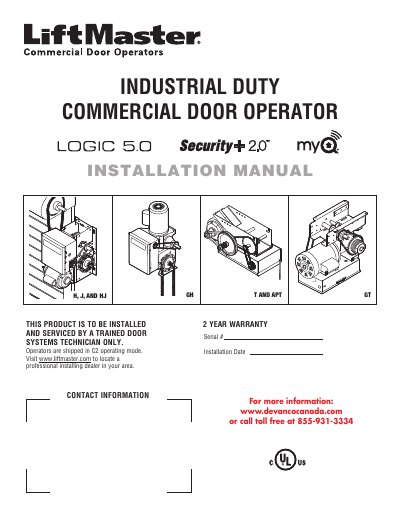
Devanco T, GT, and APT H, J, and HJ GH Series Industrial Door Operators Installation Manual
This manual provides step-by-step instructions for installing Devanco T, GT, and APT H, J, and HJ GH Series industrial door operators. It includes sections on safety, assembly, typical installation, wiring, entrapment protection, adjustment, testing, manual release, programming, maintenance, and troubleshooting. The document emphasizes safety precautions and requires trained technicians for installation and service.
The manual covers trolley and hoist/jackshaft operators, with specifications for horsepower, voltage, door speed, and maximum door area. It includes wiring diagrams, adjustment procedures, and troubleshooting guides for common issues.
Covers: Safety Information · Trolley Operators · Hoist and Jackshaft Operators · Wiring · Entrapment Protection · Adjustment
Latest Devanco manuals
Devanco Door Opener Wireless Keypad User Manual
User Manual 5 pages · 1.8 MB · ENInstructions for programming, mounting, and using a wireless keypad with Devanco door openers.
Devanco T, GT, and APT H, J, and HJ GH Series Industrial Door Operators Installation Manual
Installation Guide 45 pages · 4.9 MB · ENInstallation guide for Devanco industrial door operators, covering assembly, wiring, safety, and troubleshooting.
Which document do I need?
User Manual
Day-to-day operation, settings and troubleshooting. Start here if the product is already set up.
Installation Guide
Mounting, wiring and first power-up. Read it before the hardware goes in.
Questions answered in Devanco manuals
How do I program the keypad for a single door?
Enter 3-5-7, press the Up/Down key, hold the Program key until the LED changes from green to red, then release and let the keypad go dark.
What should I do if I forget my PIN?
Enter your current PIN and press the Program key 3 times, then enter a temporary PIN and press the Program key.
Who should install and service this door operator?
Only a trained door systems technician should install and service the operator.
From: Devanco T, GT, and APT H, J, and HJ GH Series Industrial Door Operators Installation Manual
What is the default operating mode for the operator?
The operator is shipped in C2 operating mode.
From: Devanco T, GT, and APT H, J, and HJ GH Series Industrial Door Operators Installation Manual