
This is a user manual for LTV™ 1200/1150 ventilator
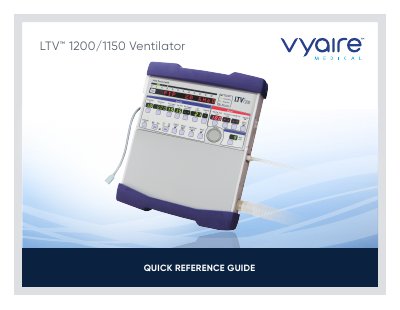
This document serves as a Quick Reference Guide for the Vyaire LTV 1200/1150 Ventilator. It provides essential information on the front and side panel controls, including the On/Standby button, variable controls, and display windows. The guide outlines the procedures for turning the device on and off, including specific steps for handling the 'SAME PATIENT' query feature.
| Patient Breathing Circuit outlet port size | 22mm |
|---|---|
| High frequency alarm setting (Infant) | 80 bpm, 30 sec |
| Breath Rate (Adult) | 12 bpm |
Disconnect the patient, press and hold the On/Standby button for 3 seconds, and press the Silence/Reset button to silence the alarm.
It occurs when the average oxygen inlet pressure is less than the minimum acceptable inlet pressure of 35 PSIG.
Remove the ventilator from service and perform the Calibration procedure.