
This document is a user manual for EZ-ZONE® RUI/Gateway RUI/Gateway EZ-ZONE ST EZ-ZONE RM
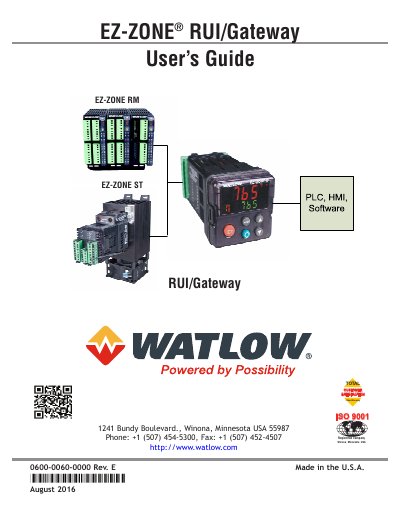
The Watlow EZ-ZONE Remote User Interface (RUI) allows users to connect, view, and change parameters within any EZ-ZONE controller from a distance of up to 200 feet. It serves as a gateway or bridge between the controller's Standard Bus and popular industrial protocols such as EtherNet/IP, DeviceNet, Modbus TCP, Modbus RTU, and Profibus DP. This manual provides instructions for installing and wiring the unit, configuring security settings, and using it with various controller families including PM, RM, and ST series.
| Warranty Period | three-year warranty |
|---|---|
| Maximum Connection Distance | 200 feet |
The RUI allows a user to connect and change parameters while being up to 200 feet away from the monitored controller.
The unit is backed by a three-year warranty to the first purchaser for use, provided the units have not been misapplied.
You must have the complete model number available when calling for technical assistance.