
ALTA Ethernet EGW4 Gateway USER GUIDE introduces the EGW4 Gateway's features and usage methods
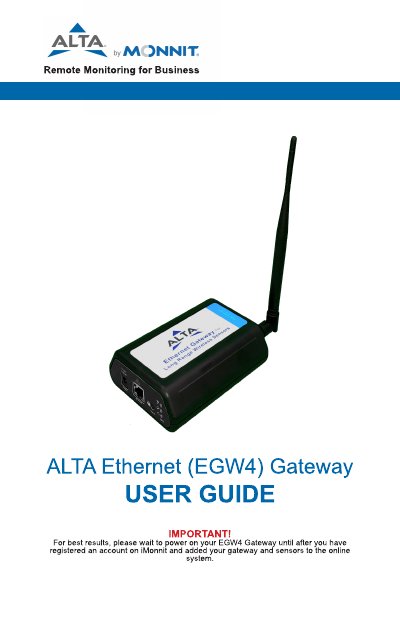
This guide explains how to register and use the Monnit EGW4 Gateway for remote wireless sensor monitoring. It covers gateway security features, sensor communication protocols, and server connectivity. The guide also details how to configure settings, interpret LED indicators, and troubleshoot common issues. Installation requires connecting the gateway to an Ethernet port with internet access and registering it via the iMonnit portal.
| Wireless Range | 1,200+ feet through 12+ walls |
|---|---|
| Security Protocol | Encrypt-RF® Security (Diffie-Hellman Key Exchange + AES-128 CBC) |
| Heartbeat Interval | Five minutes |
Enter the Device ID and Security Code from your gateway into the iMonnit portal. Use your phone’s camera to scan the QR code or manually enter the code if needed.
Steady green = normal operation; blinking green = active communication; steady red = problem with communication or internet.
By default, it logs sensor data until reconnection. You can toggle this to disable the wireless network to force sensors to find a new gateway.