
Key facts
- Manuals
- 1
- Languages
- EN
- Last added
- 2023-10-26
Featured Monnit manuals
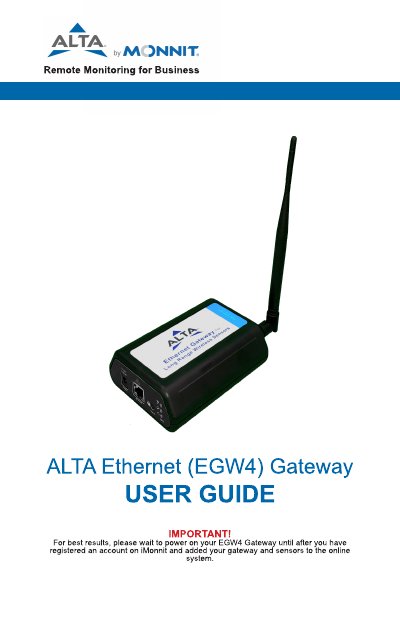
Monnit EGW4 Gateway User Guide
This guide explains how to register and use the Monnit EGW4 Gateway for remote wireless sensor monitoring. It covers gateway security features, sensor communication protocols, and server connectivity. The guide also details how to configure settings, interpret LED indicators, and troubleshoot common issues. Installation requires connecting the gateway to an Ethernet port with internet access and registering it via the iMonnit portal.
Covers: About the EGW4 Gateway · How Your Gateway Works · Gateway Security · Gateway Registration · Using the EGW4 Gateway · Installing Monnit Express Software
Latest Monnit manuals
Monnit EGW4 Gateway User Guide
User Manual 28 pages · 4.3 MB · ENUser guide for Monnit's EGW4 Ethernet Gateway, covering setup, security, registration, and local interface use for wireless sensor monitoring.
Which document do I need?
User Manual
Day-to-day operation, settings and troubleshooting. Start here if the product is already set up.
Questions answered in Monnit manuals
How do I register my EGW4 Gateway?
Enter the Device ID and Security Code from your gateway into the iMonnit portal. Use your phone’s camera to scan the QR code or manually enter the code if needed.
What do the LED lights on the gateway indicate?
Steady green = normal operation; blinking green = active communication; steady red = problem with communication or internet.