
This manual introduces the Genesis Blu Fusion Salt System Controller Keypad. It contains instructions on how to operate the controller, including how to activate the topside control and adjust the bromine output or boost.
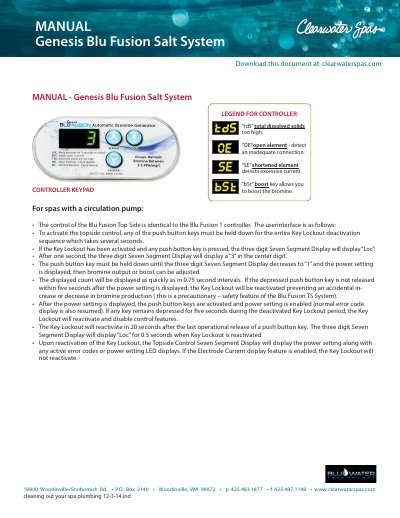
This manual explains how to operate the Genesis Blu Fusion Salt System Controller Keypad for spas with circulation pumps. It details the key lockout deactivation sequence, how to adjust bromine output, and error code meanings. The keypad interface is identical to the Blu Fusion 1 controller. The manual also includes instructions for maintaining proper bromine and salt levels for optimal spa operation.
Additional guidance covers testing bromine levels with test strips, adjusting the control dial for water balance, and periodic checks of sodium bromide levels to ensure system efficiency.
Hold any push button key down for the entire Key Lockout deactivation sequence, which takes several seconds.
The three-digit Seven Segment Display will show “Loc”.
The correct level of Bromine should be between 0-1 on the generic bromine test strip.
The window on the Genesis control panel will flash and the system will not operate properly.