
Learn how to use phone projection, Bluetooth pairing, voice commands, navigation, and fingerprint authentication on your Genesis Electrified GV70.
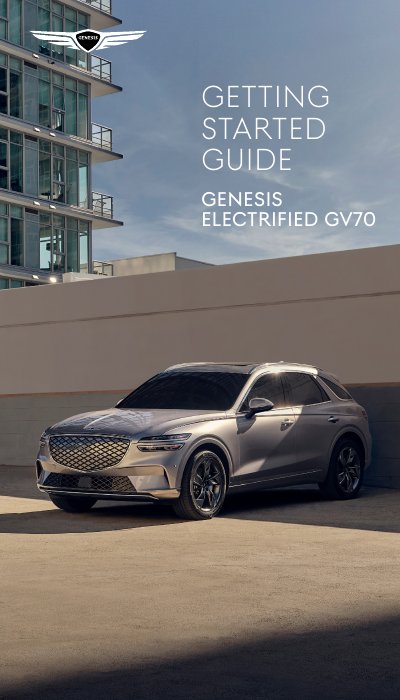
This guide helps you set up and use key features of your Genesis Electrified GV70, including phone pairing via Bluetooth or USB, voice commands for calls and navigation, custom button setup, and fingerprint authentication for engine start and profile access. It covers both basic and advanced settings to customize your driving experience.
The guide includes step-by-step instructions for connecting your smartphone, using voice commands to make calls or find destinations, configuring the custom button, and enrolling or deleting fingerprints for secure access. It also explains how to use the control knob and adjust convenience settings like valet mode and profile management.
Turn the vehicle’s shifter to ‘Park,’ press the ‘Setup’ button, go to ‘Device Connections,’ select ‘Bluetooth® System Info,’ then press ‘Add’ and follow prompts on your phone.
Turn on the vehicle with a smart key, go to ‘Setup -> User Profile Settings -> Fingerprint Identification,’ set a password, then follow the on-screen instructions to scan your fingerprint.