
This is an operating manual for EZ IQ™ Chromatography Software
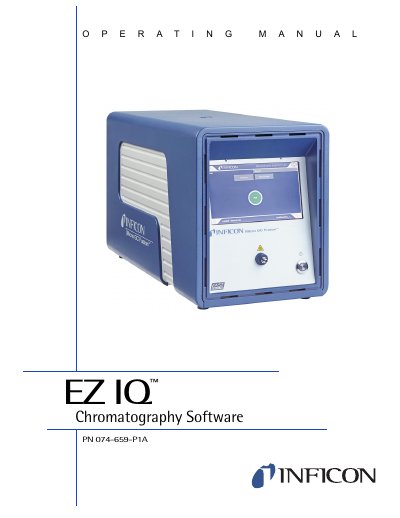
This document is the operating manual for the INFICON EZ IQ data system, designed to instruct users on the acquisition of data and processing of results. It covers the use of the software in conjunction with the Micro GC Fusion instrument.
The manual details the installation and configuration requirements, including computer specifications and driver setup. It provides comprehensive instructions on using the Instrument Wizard, navigating the software interface, and managing method and data files. Key features include graphical programming for method creation, data acquisition and control, and various chromatogram operations such as tracing, smoothing, and mathematical calculations.
| Operating System | Windows XP Pro. SP3, Vista Business SP1, or Windows 7 Pro 32-bit |
|---|---|
| Data File Size | ~200Kb per analysis |
Yes, Micro GC Fusion is compatible with INFICON EZ IQ chromatography software.
Each analysis generates a data file of approximately 200Kb.
EZ IQ is validated on the English and Western European Language versions of Windows XP Pro, Vista Business, and Windows 7 Pro.