
This is a manual that introduces the user manual of Bullard TI Commander thermal imager
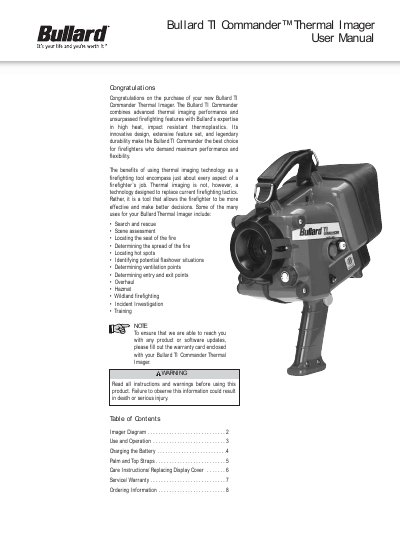
This manual guides users through operating the Bullard TI Commander thermal imager, including powering on/off, sleep mode, and adjusting the Thermal Throttle for optimal image clarity. It also covers battery charging via direct charge or external charger, strap installation, and maintenance tips. The device is designed for firefighters and includes optional accessories like wireless transmission and digital image capture.
Depress the large red “On/Off” button for approximately one second until the light in the red button illuminates and remains on.
The Thermal Throttle is a manual iris control that regulates the amount of energy reaching the thermal detector. Adjust it by turning the dial clockwise to close or counterclockwise to open.