
RES-Q Reports User Guide

This file is a user guide about how to use RES-Q Reports
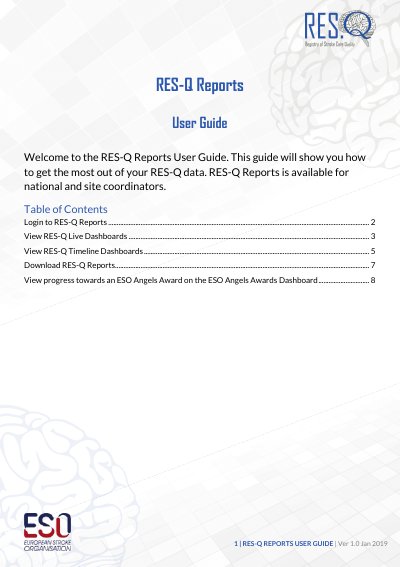

RES-Q Reports User Guide - cover page
Brand
RESQ
Category
Other
Document type
User Manual
Language
English
Pages
9
File format
PDF
File size
1.8 MB
Published
21 October, 2023
Updated
21 October, 2023
MD5 checksum
77DD67F1789C567D6B724ABB2123A43F

About this manual

The RES-Q Reports User Guide provides instructions for national and site coordinators on accessing the RES-Q data platform. It details the login process using a username and password and describes how to navigate the homepage to select specific dashboards.

What's inside

  • Login to RES-Q Reports
  • View RES-Q Live Dashboards
  • View RES-Q Timeline Dashboards
  • Download RES-Q Reports
  • View ESO Angels Awards Dashboard

Frequently asked questions

Who is eligible to use RES-Q Reports?

RES-Q Reports is available for national and site coordinators.

What file formats are available for downloading RES-Q Reports?

RES-Q Reports are available to be downloaded in Excel and PowerPoint.

What report frequencies can be downloaded?

RES-Q Reports are available as Quarterly, Bi-annual, and Annual reports.

Download PDF (1.8 MB)