
Key facts
- Manuals
- 1
- Languages
- EN
- Last added
- 2023-10-21
Featured RESQ manuals
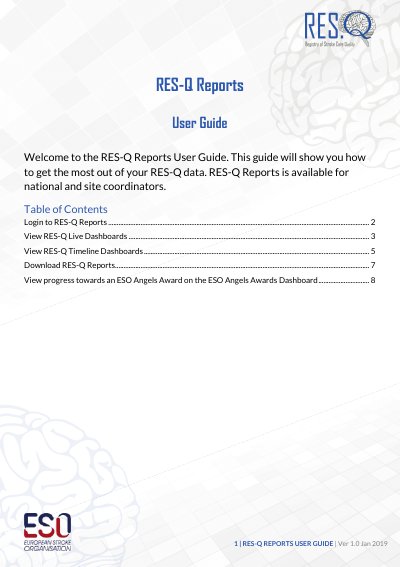
RES-Q Reports User Guide
The RES-Q Reports User Guide provides instructions for national and site coordinators on accessing the RES-Q data platform. It details the login process using a username and password and describes how to navigate the homepage to select specific dashboards.
Covers: Login to RES-Q Reports · View RES-Q Live Dashboards · View RES-Q Timeline Dashboards · Download RES-Q Reports · View ESO Angels Awards Dashboard
Latest RESQ manuals
RES-Q Reports User Guide
User Manual 9 pages · 1.8 MB · ENThis user guide explains how to log in to RES-Q Reports, view live and timeline dashboards, download reports, and track progress towards ESO Angels Awards.
Which document do I need?
User Manual
Day-to-day operation, settings and troubleshooting. Start here if the product is already set up.
Questions answered in RESQ manuals
Who is eligible to use RES-Q Reports?
RES-Q Reports is available for national and site coordinators.
From: RES-Q Reports User Guide
What file formats are available for downloading RES-Q Reports?
RES-Q Reports are available to be downloaded in Excel and PowerPoint.
From: RES-Q Reports User Guide