
Orange Pi 4 LTS is a single-board computer based on RK3399 processor with 4GB LPDDR4 memory and 16GB eMMC storage, supporting Android and Linux operating systems.
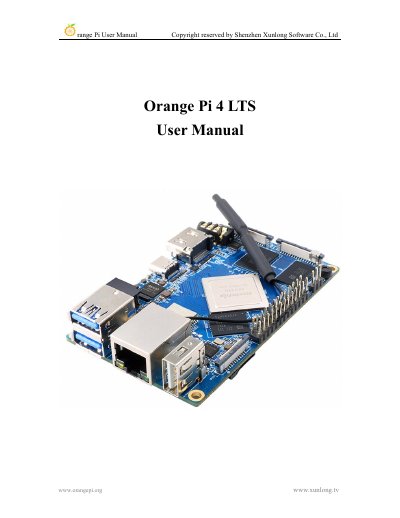
This manual guides users through installing and configuring the Orange Pi 4 LTS development board with Linux or Android operating systems. It covers hardware specifications, interface details, and step-by-step instructions for burning images to TF cards or eMMC, setting up Wi-Fi and Bluetooth, testing peripherals, and compiling SDKs. The board supports multiple configurations including RK3399 with 3GB or 4GB LPDDR4 RAM and 16GB eMMC storage.
| CPU | Rockchip RK3399 or RK3399-T, 6-core ARM® 64-bit processor |
|---|---|
| GPU | High-performance multi-core GPU Mali T864 |
| RAM | 3GB or 4GB LPDDR4 |
| Onboard storage | 16GB EMMC or Default Empty |
| Network | 10/100/1000Mbps Ethernet (YT8531C) |
| Video output | HDMI 2.0 x 1, DP 1.2 x 1, support 4K@60 frame output |
| Supported OS | Android 8.1, Ubuntu, Debian |
Orange Pi 4 LTS is an open source single-board computer with Rockchip RK3399 or RK3399-T SoC, capable of running Android 8.1, Ubuntu, and Debian.
Use Win32DiskImager or balenaEtcher on Windows, or use the method described for Ubuntu PC.
Use command-line tools or graphical interface to connect to Wi-Fi; server version uses command-line, desktop version uses GUI.