
Key facts
- Manuals
- 1
- Languages
- EN
- Last added
- 2023-10-21
Featured Orange Pi manuals
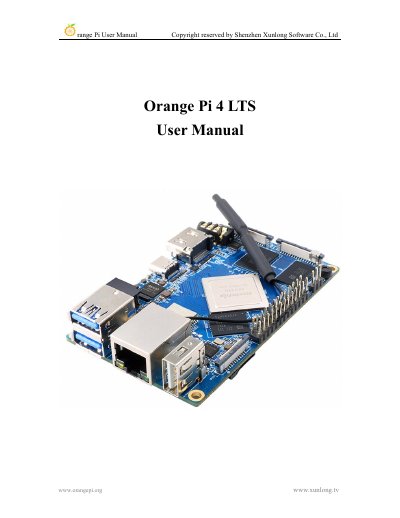
Orange Pi 4 LTS User Manual
This manual guides users through installing and configuring the Orange Pi 4 LTS development board with Linux or Android operating systems. It covers hardware specifications, interface details, and step-by-step instructions for burning images to TF cards or eMMC, setting up Wi-Fi and Bluetooth, testing peripherals, and compiling SDKs. The board supports multiple configurations including RK3399 with 3GB or 4GB LPDDR4 RAM and 16GB eMMC storage.
Covers: Basic Features of Orange Pi 4 LTS · Introduction to the use of the development board · Instructions for use of Linux system · Instructions for use of Android system · Instructions for using the Linux SDK · Instructions for using Android SDK
Latest Orange Pi manuals
Orange Pi 4 LTS User Manual
User Manual 192 pages · 9.2 MB · ENUser manual for Orange Pi 4 LTS single-board computer with Rockchip RK3399 SoC, covering Linux and Android OS setup, hardware specs, and interface testing.
Which document do I need?
User Manual
Day-to-day operation, settings and troubleshooting. Start here if the product is already set up.
Questions answered in Orange Pi manuals
What is Orange Pi 4 LTS?
Orange Pi 4 LTS is an open source single-board computer with Rockchip RK3399 or RK3399-T SoC, capable of running Android 8.1, Ubuntu, and Debian.
How to burn Linux image to TF card?
Use Win32DiskImager or balenaEtcher on Windows, or use the method described for Ubuntu PC.