
A quick start guide for setting up the Enterprise License Manager (ELM) for SysCAD Network license.
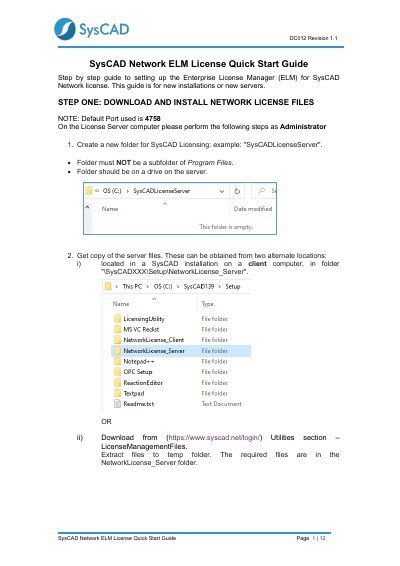
This document provides a step-by-step guide for setting up the Enterprise License Manager (ELM) for SysCAD Network licenses. It covers the installation of network license files on a server, starting the license service, and obtaining a Site Key from SysCAD support.
The guide also details the configuration for client computers, including installing the client files, editing the syscad.cec.ini file to point to the license server, and verifying the connection using the SysCAD License Utility.
The default port used for the license server is 4758.
You must select the menu option Actions | Start Server.
The ELM screen displays the number of days the license is valid for.