
Key facts
- Manuals
- 1
- Languages
- EN
- Last added
- 2023-10-21
Featured SysCAD manuals
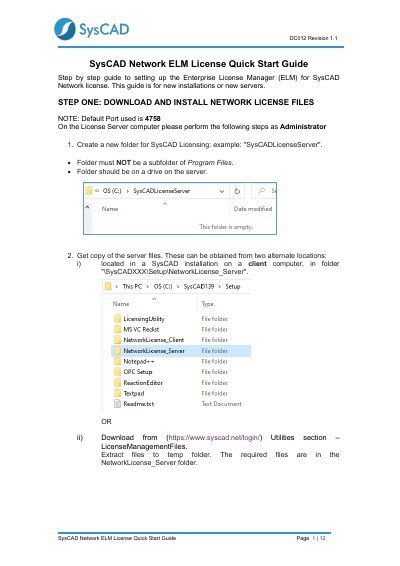
SysCAD Network ELM License Quick Start Guide
This document provides a step-by-step guide for setting up the Enterprise License Manager (ELM) for SysCAD Network licenses. It covers the installation of network license files on a server, starting the license service, and obtaining a Site Key from SysCAD support.
The guide also details the configuration for client computers, including installing the client files, editing the syscad.cec.ini file to point to the license server, and verifying the connection using the SysCAD License Utility.
Covers: Download and Install Network License Files · Start Enterprise License Manager · Manage Server Licenses · Contact SysCAD for Site Key · Configure Client Side License · Edit syscad.cec.ini File
Latest SysCAD manuals
SysCAD Network ELM License Quick Start Guide
Quick Start Guide 12 pages · 396 KB · ENA step-by-step guide for installing and configuring the Enterprise License Manager (ELM) for SysCAD Network licenses on new servers and clients.
Which document do I need?
Quick Start Guide
The shortest path to a working setup, usually only a few pages.
Questions answered in SysCAD manuals
What is the default port number used for the SysCAD Network ELM License?
The default port used for the license server is 4758.
What action must be taken to start the Enterprise License Manager server?
You must select the menu option Actions | Start Server.