
This file is a Henson 9000 perimeter quick-start guide, which introduces the features and characteristics of Henson 9000.
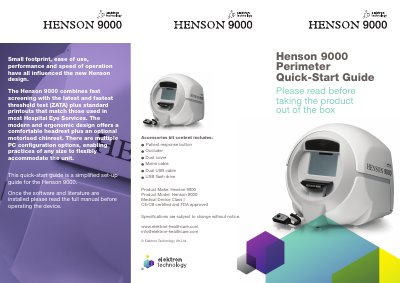
This guide helps users set up and operate the Henson 9000 perimeter device. It covers unboxing, connecting cables, installing software, and configuring settings. The device is designed for ease of use and includes optional accessories like a motorized chinrest. Software installation must be completed before connecting USB cables to the computer.
The Henson 9000 is a medical device that combines fast screening with the ZATA threshold test and provides standard printouts for hospital eye services.
You need Microsoft Windows 7 or 8.X Professional (32 or 64 bit) to run the software.
The kit contains a patient response button, occluder, dust cover, mains cable, dual USB cable, and a USB flash drive.