
The MPS II is a portable screening device that enables early detection of patients at risk of Macular Degeneration (AMD) - the leading cause of vision loss in people over 50. MPS II measures Macular Pigment (MP) level. Low MP is a significant (modifiable) risk factor for AMD and once detected, need managing through diet, supplementation and lifestyle on order to minimise the risk of early onset of AMD. This quick-start guide is a simplified set-up guide for the MPS II. Please refer to the MPS II manual for detailed set-up and operating instructions before you install the device.
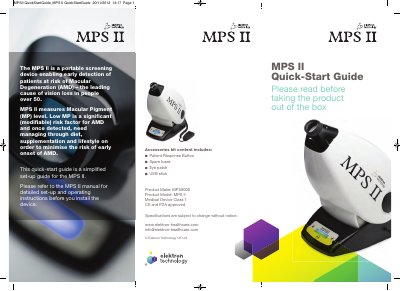
The MPS II is a portable screening device for early detection of Macular Degeneration risk by measuring Macular Pigment levels. This guide covers basic setup: unboxing, connecting components, software installation, and launching the software. For full operating instructions, refer to the MPS II manual.
It is a portable screening device that enables the early detection of patients at risk of Macular Degeneration (AMD).
The device measures Macular Pigment (MP) level.
The software requires Windows XP Home Edition, Windows Professional Service Pack 3, Windows 7 Professional, or Windows XP/7 Simplified Chinese Version.