
Digidesign Pre Manual is a manual about Digidesign Pre product. It contains the product usage method, maintenance method, fault troubleshooting method and other contents.
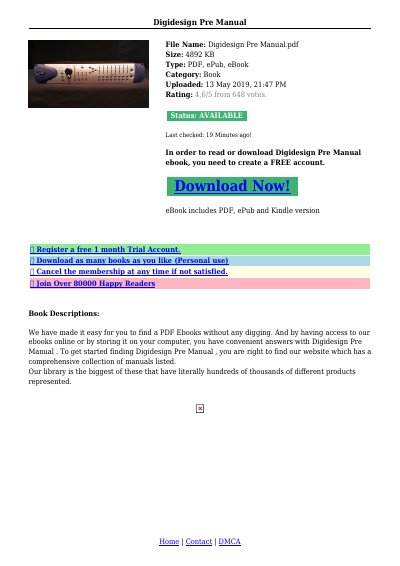
This manual covers configuration and troubleshooting for the Digidesign Pre audio interface. It includes setup instructions for Pro Tools LE DAW software and details on the eight-fader control surface. The device supports external clocking up to 96kHz and features improved dynamic range and reduced distortion compared to earlier models. It also includes MIDI mapping capabilities and transport controls like shuttle and jog functions for navigation in Pro Tools.
| Clocking Capability | up to 96kHz |
|---|---|
| Dynamic Range Improvement | nearly 6dB |
| Total Harmonic Distortion Reduction | from 0.04 percent to 0.0007 percent |
| MIDI Map Presets | two banks (A and B) |
There are two banks of MIDI map presets, corresponding to MIDI Map buttons A and B.
Up to 96kHz external clocking is supported.