
This is a summary of the Cherry Audio CA2600 User Guide
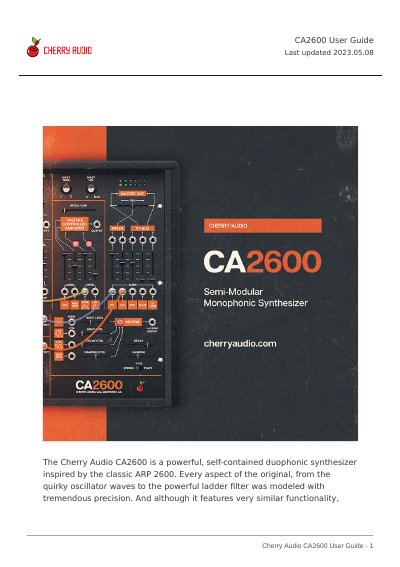
The Cherry Audio CA2600 is a powerful, self-contained duophonic synthesizer inspired by the classic ARP 2600. It features precise modeling of original components, including oscillators and a ladder filter, along with integrated distortion, delay, and reverb effects. The interface supports semi-normalled audio and modulation paths for modular-style flexibility.
The manual explains the software's top toolbar functions, such as creating and saving presets, and navigating the preset browser. It details how to import presets via drag-and-drop and configure the user interface, including zoom, focus, and cable transparency settings. The guide also introduces standard synthesis terminology used within the application.
It is a powerful, self-contained duophonic synthesizer inspired by the classic ARP 2600.
The software will run in demo mode where inharmonic tones will occasionally sound.
You can change it by moving the mouse up and down in the tempo section or by double-clicking the number.