
Key facts
- Manuals
- 4
- Languages
- EN
- Last added
- 2026-10-31
Featured CHERRY AUDIO manuals
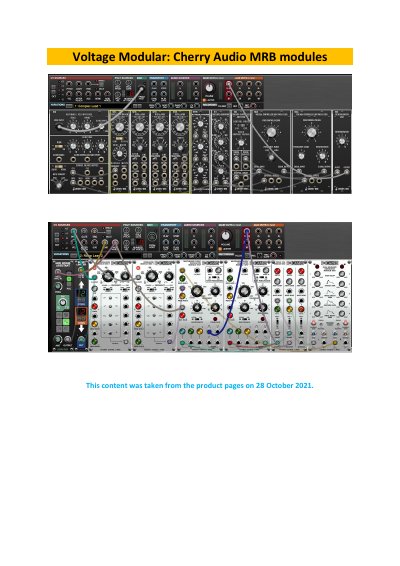
Cherry Audio MRB Modules Voltage Modular User Manual
This document serves as a comprehensive user manual for the Cherry Audio Voltage Modular system, specifically covering the MRB (Modular Rack Build) modules. It provides detailed instructions, feature descriptions, and control explanations for a wide variety of modules, ranging from mixers and oscillators to filters and sequencers.
Covers: CP3 Console Panel Mixer · VM901 Voltage Controlled Oscillator · VM901ABBB Oscillator Bank · VM902 Amplifier · VM903 Random Signal Generator · VM904A/B/C Filters
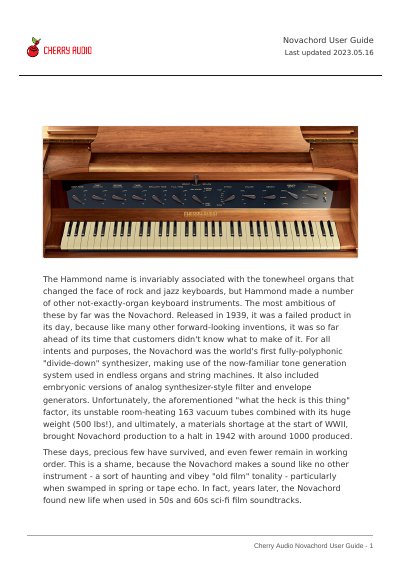
Cherry Audio Novachord User Guide
The Cherry Audio Novachord is a software synthesizer plugin designed to recreate the unique sound of the original 1939 Hammond Novachord. Developed in collaboration with Mark Barton (MRB), it features a fully polyphonic divide-down synthesis engine, analog-style filters, and envelope generators. The guide covers the instrument's history, interface layout, and basic operation.
Covers: Top Toolbar and Preset Browser · Importing Presets · Zoom and Focus · Q Oversampling Quality · Front Panel Controls · Tone and Resonator Controls
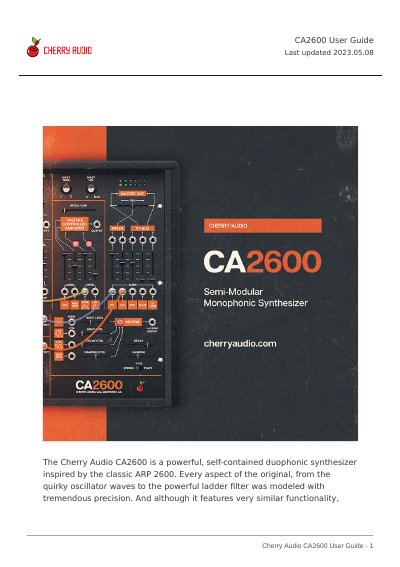
Cherry Audio CA2600 User Guide
The Cherry Audio CA2600 is a powerful, self-contained duophonic synthesizer inspired by the classic ARP 2600. It features precise modeling of original components, including oscillators and a ladder filter, along with integrated distortion, delay, and reverb effects. The interface supports semi-normalled audio and modulation paths for modular-style flexibility.
The manual explains the software's top toolbar functions, such as creating and saving presets, and navigating the preset browser. It details how to import presets via drag-and-drop and configure the user interface, including zoom, focus, and cable transparency settings. The guide also introduces standard synthesis terminology used within the application.
Covers: Terminology · Top Toolbar and Preset Browser · Importing Presets with drag-and-drop · MIDI Tab · Settings · QWERTY Musical Typing Keyboard
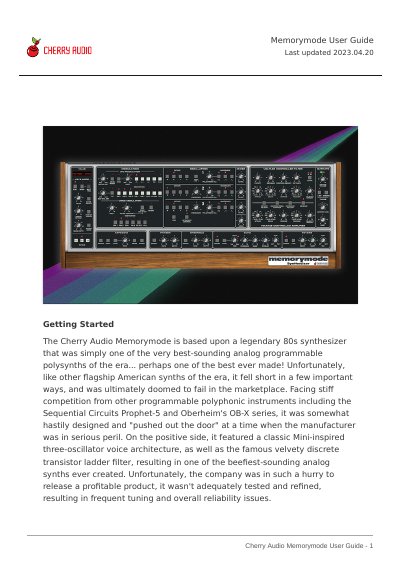
Cherry Audio Memorymode User Guide
The Cherry Audio Memorymode is a software synthesizer based on a legendary 80s analog programmable polysynth. It replicates the sound of the original instrument while offering improvements such as increased polyphony up to 16 voices, extended modulation capabilities, and a streamlined user interface. The guide details the instrument's signal path, including three voltage-controlled oscillators, a voltage-controlled filter, and a voltage-controlled amplifier.
Covers: Getting Started · Memorymode Voice Architecture · Top Toolbar and Preset Browser · Importing Presets · MIDI Controllers · QWERTY Musical Typing Keyboard
Latest CHERRY AUDIO manuals
Cherry Audio MRB Modules Voltage Modular User Manual
User Manual 94 pages · 3 MB · ENUser manual for Cherry Audio MRB modules including the CP3 Console Panel Mixer, VM901 Oscillator, VM902 Amplifier, and other Voltage Modular system components.
Cherry Audio Novachord User Guide
User Manual 28 pages · 1.4 MB · ENThis user guide explains how to operate the Cherry Audio Novachord, a software synthesizer plugin recreating the classic 1939 Hammond Novachord sound.
Cherry Audio CA2600 User Guide
User Manual 64 pages · 2.8 MB · ENThis user guide covers the operation, patching, and settings of the Cherry Audio CA2600 software synthesizer.
Cherry Audio Memorymode User Guide
User Manual 60 pages · 3.4 MB · ENThis user guide covers the features, voice architecture, and operation of the Cherry Audio Memorymode software synthesizer.
Which document do I need?
User Manual
Day-to-day operation, settings and troubleshooting. Start here if the product is already set up.
Questions answered in CHERRY AUDIO manuals
What does the VM901 Voltage Controlled Oscillator do?
It is a full-function oscillator module that can be used in the audio range or as a low-frequency modulation source.
What is the purpose of the Click Filter on the CP3 Console Panel Mixer?
It rounds off sharp waveform edges to reduce clicking, intended for use with edgy control signals.
How can I import presets?
You can import presets by dragging and dropping single files or compressed ZIP files containing multiple sounds onto the user interface.
What does the Q button do?
The Q button sets the internal oversampling rate to improve audio fidelity, with options for 1x, 2x, 3x, or 4x the current sample rate.
What is the Cherry Audio CA2600?
It is a powerful, self-contained duophonic synthesizer inspired by the classic ARP 2600.
What happens if I have not purchased the full version of CA2600?
The software will run in demo mode where inharmonic tones will occasionally sound.