
This manual describes how to use Simian Pro 2.3, including quick start, system requirements and FAQs.
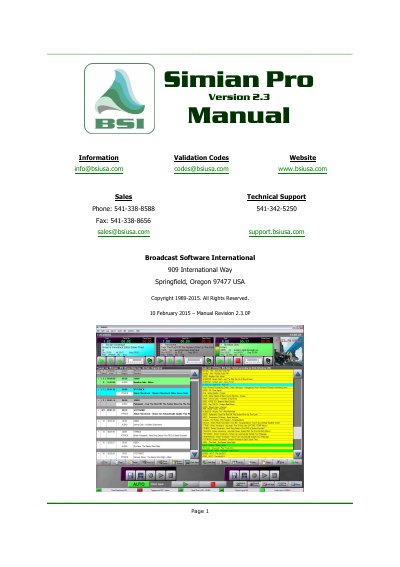
Simian Pro Version 2.3 is a broadcast automation software designed to manage audio files, create program logs, and automate radio station operations. The software integrates with a companion application called SoundHound to monitor folders for new audio files and automatically add them to the database. It supports various hardware connectors, including relays, triggers, and serial communications, to control external equipment.
The manual provides detailed instructions on setting up the software, configuring playback and recording settings, and utilizing advanced features such as the Event Builder, Voice Track Editor, and automation modes. It also includes troubleshooting guides for common issues related to sound, installation, and hardware connectivity.
SoundHound is only monitoring the c:\bsi32\audio folder.
Click the Add Folder icon to browse and add folders containing audio files.
It means AutoStart, causing events to play one after the other in Auto mode.
Use the CTRL-B keyboard shortcut to start the Event Builder.