
Key facts
- Manuals
- 1
- Languages
- EN
- Last added
- 2023-10-20
Featured Broadcast Software International manuals
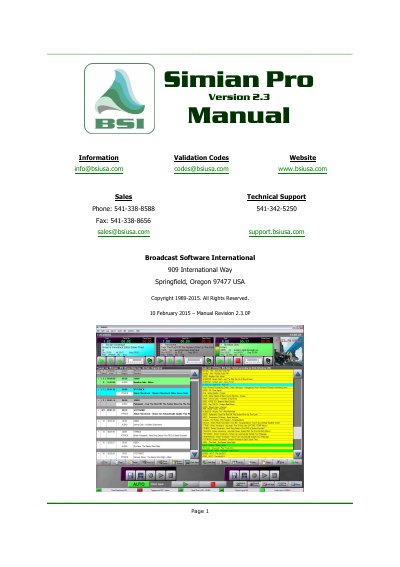
Simian Pro Version 2.3 User Manual
Simian Pro Version 2.3 is a broadcast automation software designed to manage audio files, create program logs, and automate radio station operations. The software integrates with a companion application called SoundHound to monitor folders for new audio files and automatically add them to the database. It supports various hardware connectors, including relays, triggers, and serial communications, to control external equipment.
The manual provides detailed instructions on setting up the software, configuring playback and recording settings, and utilizing advanced features such as the Event Builder, Voice Track Editor, and automation modes. It also includes troubleshooting guides for common issues related to sound, installation, and hardware connectivity.
Covers: Quick Start · Quick Configuration · Quick Playback · Introduction · Setup & Configuration · Operation
Latest Broadcast Software International manuals
Simian Pro Version 2.3 User Manual
User Manual 188 pages · 4.5 MB · ENThis manual covers the installation, configuration, and operation of Simian Pro Version 2.3, a professional broadcast automation software for managing audio…
Which document do I need?
User Manual
Day-to-day operation, settings and troubleshooting. Start here if the product is already set up.
Questions answered in Broadcast Software International manuals
What is the default folder SoundHound monitors for audio files?
SoundHound is only monitoring the c:\bsi32\audio folder.
How can you add more folders to SoundHound?
Click the Add Folder icon to browse and add folders containing audio files.