
HunterLab Vista A60-1017-551 Quick Start Guide

Introduce the use of the Vista Quick Start Guide
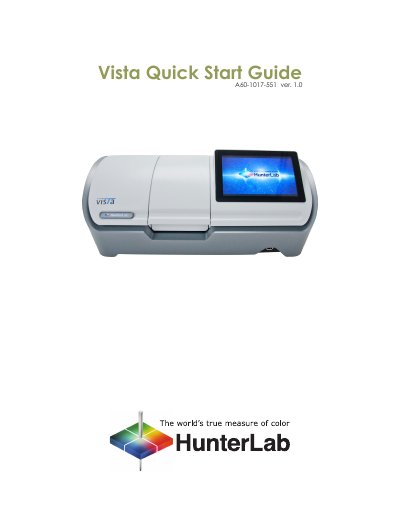

HunterLab Vista A60-1017-551 Quick Start Guide - cover page
Brand
HunterLab
Category
Industrial Robot
Document type
Quick Start Guide
Language
English
Pages
2
File format
PDF
File size
785 KB
Published
20 October, 2023
Updated
20 October, 2023
MD5 checksum
8BB91C0261F791782207DABB966A5398

About this manual

This document serves as a quick start guide for the HunterLab Vista A60-1017-551 spectrophotometer. It outlines the initial setup process, including unpacking the instrument and connecting peripherals, as well as the steps to turn the device on and access the software interface.

What's inside

  • Unpack Your Box
  • Taking A Measurement
  • Standardization
  • Configure Your Application
  • Save And Output Your Results
  • Accessories
  • Warranty

Frequently asked questions

What items are included in the box for the HunterLab Vista A60-1017-551?

The box includes the Vista instrument, quick start guide, power supply, didymium diagnostic filter, 2GB USB flash drive, cleaning cloth, and stylus.

How do you start the standardization process on the Vista instrument?

Press the Workspace Icon in the upper right corner, then select the Standardization Mode from the drop down menu.

What is the warranty period for the HunterLab Vista A60-1017-551?

The warranty is one year from the date of shipment.

How do you save and output measurement results on the Vista instrument?

Press the Jobs Icon, select 'Save Job' to store results, or select 'Data' to output to printer, email, or flash drive.

Download PDF (785 KB)