
Key facts
- Manuals
- 1
- Languages
- EN
- Last added
- 2023-10-20
Featured HunterLab manuals
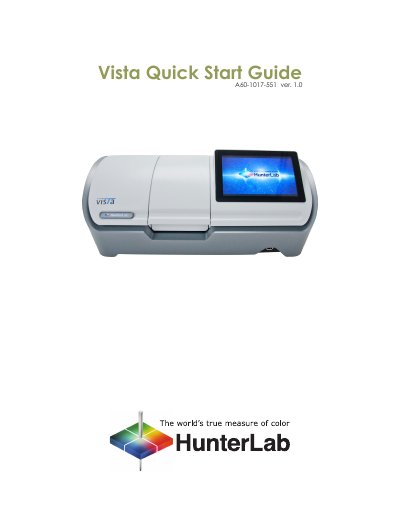
HunterLab Vista A60-1017-551 Quick Start Guide
This document serves as a quick start guide for the HunterLab Vista A60-1017-551 spectrophotometer. It outlines the initial setup process, including unpacking the instrument and connecting peripherals, as well as the steps to turn the device on and access the software interface.
Covers: Unpack Your Box · Taking A Measurement · Standardization · Configure Your Application · Save And Output Your Results · Accessories
Latest HunterLab manuals
HunterLab Vista A60-1017-551 Quick Start Guide
Quick Start Guide 2 pages · 785 KB · ENThis guide provides quick start instructions for the HunterLab Vista A60-1017-551 spectrophotometer, covering unpacking, standardization, measurement, and…
Which document do I need?
Quick Start Guide
The shortest path to a working setup, usually only a few pages.
Questions answered in HunterLab manuals
What items are included in the box for the HunterLab Vista A60-1017-551?
The box includes the Vista instrument, quick start guide, power supply, didymium diagnostic filter, 2GB USB flash drive, cleaning cloth, and stylus.
How do you start the standardization process on the Vista instrument?
Press the Workspace Icon in the upper right corner, then select the Standardization Mode from the drop down menu.