
The instruction manual of force value display controller introduces the use method, safety tips, installation method, wiring method and other contents of the product.
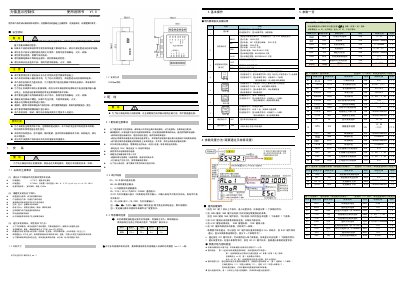
This manual provides instructions for safely installing and operating the XJC-FD-R4F force value display controller. It includes safety precautions, environmental requirements, wiring guidelines, and detailed parameter settings via handheld device. The controller supports analog and digital communication, switch inputs/outputs, and configurable display units and alarm thresholds.
The device requires 24V DC power and must be installed in a controlled environment to avoid damage or malfunction. Users must follow specific wiring rules to prevent noise interference and ensure safety. Parameter groups are password-protected, with default passwords provided for access. This manual is written in Chinese.
| Power Supply | 24V DC |
|---|---|
| Operating Temperature | -10~50℃ |
| Operating Humidity | 10~90%RH, no condensation |
The controller requires 24V DC external power.
Communication parameters are set via handheld device and require password 1111 for access to groups 2–6.
The operating temperature range is -10 to 50°C, avoiding direct sunlight.