
The 401 Digital Grease Caddy Manual introduces the basic components, mounting and setup, user instructions, other features and specifications of the 401 Digital Grease Caddy.
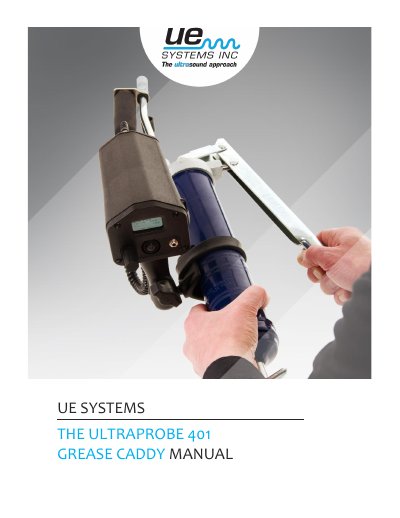
The UE Systems Ultraprobe 401 Digital Grease Caddy is an instrument designed for ultrasound-assisted lubrication. It allows users to monitor bearing conditions by uploading and downloading bearing data, indicating when to stop adding lubrication, and providing a history of lubrication to prevent premature failure. The device features a digital display, sensitivity controls, and an SD card slot for data storage.
| Housing Construction | PC + ABS Plastic |
|---|---|
| Dimensions | 7.0"x3.2"x3.0" (17/8x8.1x7.6 cm) |
| Circuitry | Solid State Analog and SMD Digital Circuitry |
| Storage Locations | 400 |
| Transducer Type | Magnetically Mounted Piezoelectric transducer |
| Frequency Response | Peak response: centered around 38 kHz |
| Display | 128x64 LCD with LED backlight |
| Operating Temperature | 32oF to 122oF (0o to 50o C) |
| Relative Humidity | 10-95% non-condensing at up to 86o F (30o C) |
| Weight | 1.25 Lbs. (.57 kg) |
| Warranty | 5-year parts/labor standard |
Press the On/Off button to turn the instrument on. To turn it off, press and hold the button again.
Push and briefly hold the Sensitivity/Spin and Click dial to store a reading.
The sensitivity ranges from a lowest value of 0 to a highest value of 70.
Add lubricant and record the number of strokes used by clicking the power button, where each click equals one stroke.