
Key facts
- Manuals
- 1
- Languages
- EN
- Last added
- 2023-10-20
Featured UE Systems manuals
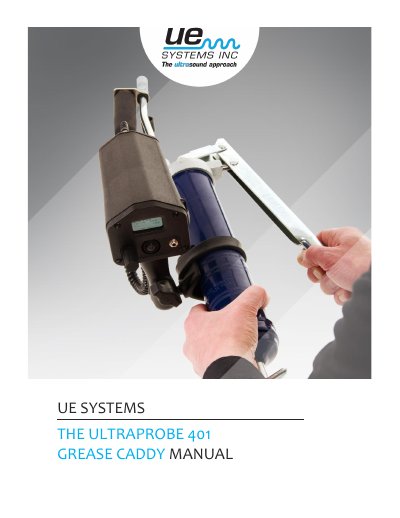
UE Systems Ultraprobe 401 Grease Caddy User Manual
The UE Systems Ultraprobe 401 Digital Grease Caddy is an instrument designed for ultrasound-assisted lubrication. It allows users to monitor bearing conditions by uploading and downloading bearing data, indicating when to stop adding lubrication, and providing a history of lubrication to prevent premature failure. The device features a digital display, sensitivity controls, and an SD card slot for data storage.
Covers: Overview · Mounting and Setup · Getting Started · Display Panel Screens · Function Bar · Setup Menu
Latest UE Systems manuals
UE Systems Ultraprobe 401 Grease Caddy User Manual
User Manual 19 pages · 1.2 MB · ENUser manual for the UE Systems Ultraprobe 401 Digital Grease Caddy, covering mounting, setup, operation, and specifications for ultrasound-assisted lubrication.
Which document do I need?
User Manual
Day-to-day operation, settings and troubleshooting. Start here if the product is already set up.
Questions answered in UE Systems manuals
How do I turn the Ultraprobe 401 on and off?
Press the On/Off button to turn the instrument on. To turn it off, press and hold the button again.
How do I store a record?
Push and briefly hold the Sensitivity/Spin and Click dial to store a reading.