
This file is about the Excel import template user guide, which mainly introduces the use of template precautions. It is important to note that the template name cannot be changed, the name tab, column order and header rows (1-3) cannot be changed, and data must be entered in each column for each data line reported. If any data fields are blank, the template will not load into My Tax Account properly
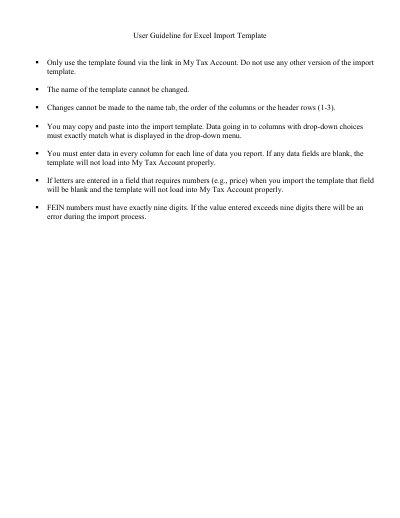
This document provides guidelines for using the official Excel import template associated with My Tax Account. Users are instructed to obtain the template exclusively through the link provided within their My Tax Account and must not use any other versions or modify the template's name, column order, or header rows.
When entering data, users must ensure that all fields are filled out completely for each line of data. Specific attention is required for fields with drop-down choices, where entered data must match the menu options exactly. Additionally, numeric fields must not contain letters, and FEIN numbers must consist of exactly nine digits to ensure the template loads correctly.
You must use the template found via the link in My Tax Account.
No, the name of the template cannot be changed.