
PowerChart Touch User Guide provides an overview of how to use the PowerChart Touch application to access your patient's Electronic Medical Record (EMR).
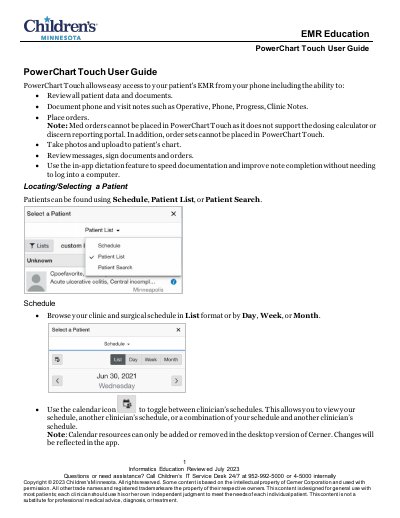
This guide explains how to use PowerChart Touch to access patient records, document notes, place orders, and manage patient data on mobile devices. It covers navigating patient lists, searching for patients, dictating notes, and managing orders. The app is designed for use with Cerner’s EMR system and includes features like photo uploads and in-app dictation. Note that some features like medication ordering and order sets are not supported in the mobile version.
No, med orders cannot be placed as it does not support the dosing calculator or discern reporting portal.
Yes, use the in-app dictation feature to speed documentation and improve note completion without needing to log into a computer.
No, orders cannot be modified or voided; only discontinued or canceled.