
This document is the operation manual of an electric screwdriver
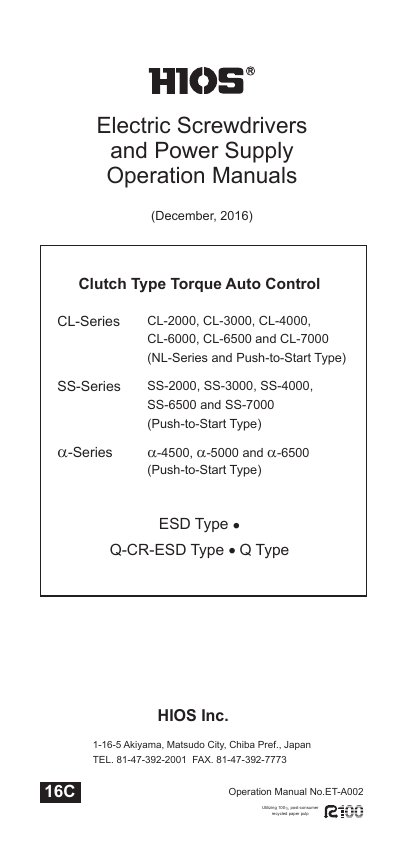
This manual provides step-by-step instructions for operating Hios electric screwdrivers, including torque adjustment, power supply connection, and bit replacement. It covers CL-Series, SS-Series, and α-Series models with detailed specifications for torque ranges, speeds, and screw sizes. Safety precautions and maintenance procedures, such as replacing carbon brushes, are also included.
| Output Torque Range (CL-6500) | 0.3 - 1.6 N.m |
|---|---|
| Unloaded Rotation Speed (CL-6500, HI) | 900 r.p.m |
| Screw Size (CL-6500, Small Size) | 2.0 - 4.0 mm |
| Weight (CL-6500) | 660g (660g) |
| Power Supply (CL-6500) | CLT-45, CLT-60, CLT-100, MC-70L |
Select the correct torque adjusting spring by color and set the torque adjusting nut to the proper position on the driver scale according to the torque chart.
Compatible power supplies include CLT-45, CLT-60, CLT-100, and MC-70L, depending on the model.
Unscrew the carbon brush caps, remove the old brushes, insert new ones with the concave face facing the commutator, and tighten the caps.