
This is a quick start guide for Swift Enduro Camera, which introduces the features and usage of the camera.
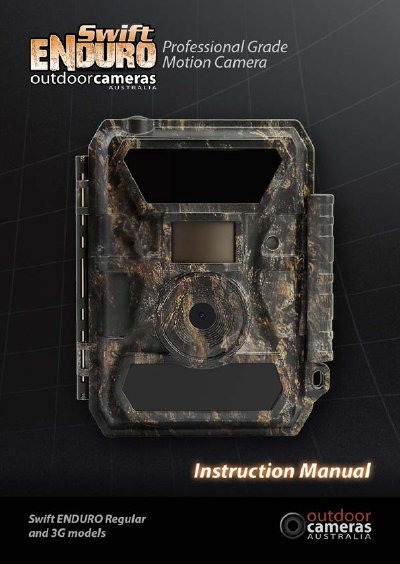
This document serves as a Quick Start Guide for the Swift ENDURO Professional Grade Motion Camera, available in Regular and 3G models. It provides step-by-step instructions for initial setup, including inserting batteries and SD cards, mounting the antenna for 3G models, and configuring basic camera settings via the menu system. The guide also explains how to connect the camera to a network for remote image transmission.
| Battery Type | 12AA alkaline, rechargeable Ni-MH, or lithium |
|---|---|
| SD Card Size | 8-32GB |
| Date/Time Memory | 12 hours |
The camera recommends 12AA alkaline, rechargeable Ni-MH, or lithium batteries.
SD cards sized from 8-32GB are recommended for optimal performance.
Switch the power to SETUP; if the signal bar appears, the network is auto-matched. If not, manually enter APN details.