
This is a document about Swift Card Program User Guide
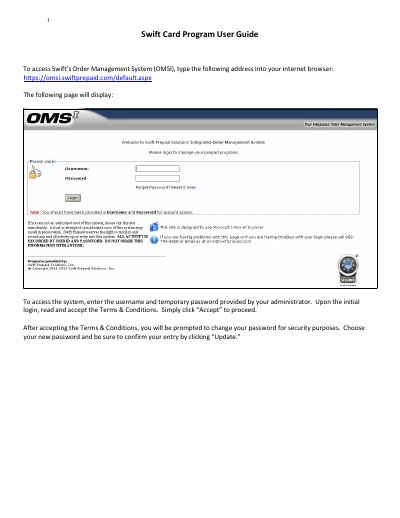
This guide explains how to access Swift’s Order Management System (OMSI) using a browser. Users must log in with credentials provided by an administrator, accept terms, and set a new password. The guide also covers single and batch card activation, copying previous entries for efficiency, and viewing funding history.
After activation, users can view transaction history, search by date or client data, and export reports in Excel, Word, or Notepad formats.
Type https://omsi.swiftprepaid.com/default.aspx into your internet browser.
An inactive Visa Card and the participant’s first and last name are required.