
This is a TRBOnet Swift A200 user manual
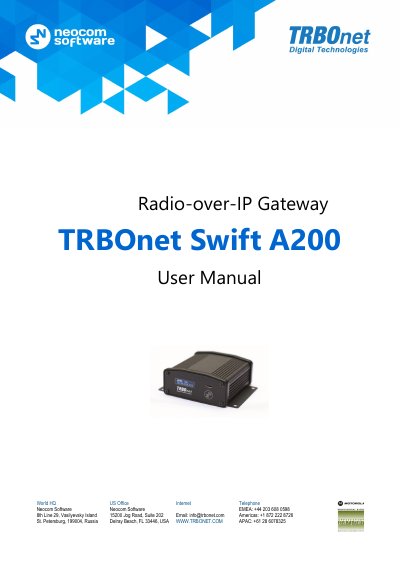
This manual provides step-by-step instructions for engineers to connect, configure, and maintain the TRBOnet Swift A200 gateway. It details hardware features, supported interfaces, and setup procedures for both wired and wireless modes. The device acts as a gateway between radio networks and IP networks, enabling voice and data transmission over IP. Maintenance tasks include replacing the built-in clock battery and memory card.
The manual also includes service cable examples for connecting the A200 to specific Motorola and Tetra radios, with configuration instructions for repeaters and control radios.
| Dimensions | 82 x 34.5 x 102 mm |
|---|---|
| Weight | 200 g |
| Power Supply | 12 V DC |
| Display | OLED, mono color, 128 x 32 pix, 0.91 inch |
| Memory Card | MicroSD, 4 – 32 Gb |
| Operating Temperature | -20 °C to +60 °C |
| Ingress Protection Rating | IP30 |
| Current Consumption | Max 0.5 A |
| Bandwidth | 128 kbps for one voice connection, 15 kbps for one control connection |
| Latency | Max 1800 ms |
| Jitter | Max 400 ms |
Up to 32 Gb MicroSD card.
From -20 °C to +60 °C.