
Key facts
- Manuals
- 1
- Languages
- EN
- Last added
- 2023-10-20
Featured Neocom manuals
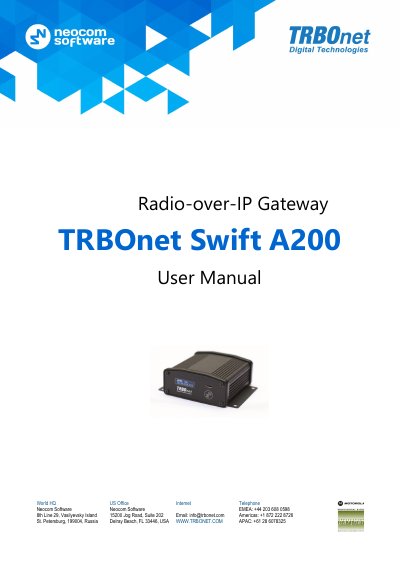
Neocom TRBOnet Swift A200 Radio-over-IP Gateway User Manual
This manual provides step-by-step instructions for engineers to connect, configure, and maintain the TRBOnet Swift A200 gateway. It details hardware features, supported interfaces, and setup procedures for both wired and wireless modes. The device acts as a gateway between radio networks and IP networks, enabling voice and data transmission over IP. Maintenance tasks include replacing the built-in clock battery and memory card.
The manual also includes service cable examples for connecting the A200 to specific Motorola and Tetra radios, with configuration instructions for repeaters and control radios.
Covers: Introduction · About TRBOnet Swift A200 · Setup and Connection · TRBOnet Configuration · Maintenance · Appendix: Service Cable Examples
Latest Neocom manuals
Neocom TRBOnet Swift A200 Radio-over-IP Gateway User Manual
User Manual 36 pages · 2.8 MB · ENUser guide for the TRBOnet Swift A200 radio-over-IP gateway, covering setup, connection, configuration, and maintenance for MOTOTRBO and non-MOTOTRBO radios.
Which document do I need?
User Manual
Day-to-day operation, settings and troubleshooting. Start here if the product is already set up.
Questions answered in Neocom manuals
What is the maximum memory card capacity supported?
Up to 32 Gb MicroSD card.
From: Neocom TRBOnet Swift A200 Radio-over-IP Gateway User Manual
What is the operational temperature range?
From -20 °C to +60 °C.
From: Neocom TRBOnet Swift A200 Radio-over-IP Gateway User Manual