
This manual provides instructions for using the Digital Imaging System
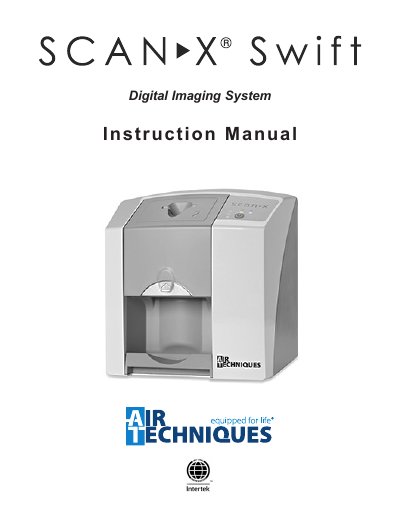
This manual provides detailed instructions for installing, operating, and maintaining the Air Techniques ScanX Swift digital imaging system. It includes sections on safety, equipment disposal, correct usage, software installation, plate handling, and troubleshooting. The system is designed for optical scanning of phosphor storage plates and requires specific accessories and software for proper function. Maintenance and yearly servicing are outlined to ensure safe and reliable operation.
The manual also includes technical specifications, warranty information, and guidelines for handling and disposing of components such as plates and barrier envelopes. It emphasizes the use of only authorized parts and software to avoid damage or voiding the warranty. Safety precautions, including electrical safety and radiation exposure, are clearly stated.
| Power Unit Electrical Details | 24 VDC |
|---|---|
| Ambient Conditions | Not specified in text |
The system requires Size #2 Inlet Guide, 24 VDC Power Supply Adapter, USB cable, phosphor storage plates (Sizes #0, #1, #2), barrier envelopes, barrier film, and the VISIX Imaging Software (5 licenses).
No, only Air Techniques plates, barrier envelopes, and authorized software should be used to avoid loss of image data or damage to the unit.