
Key facts
- Manuals
- 2
- Languages
- EN
- Last added
- 2023-10-20
Featured Air Techniques manuals
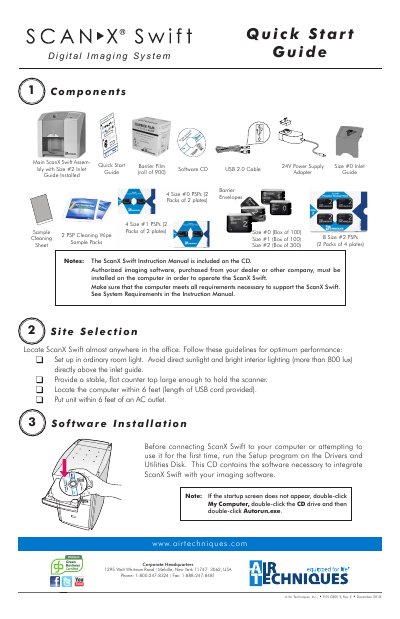
Air Techniques ScanX Swift Digital Imaging System Quick Start Guide
This document serves as a Quick Start Guide for the Air Techniques ScanX Swift digital imaging system. It outlines the necessary steps for software installation, device setup, and initial operation to get the user started immediately.
Covers: Components · Site Selection · Device Driver Installation · Power Connections · Initialization · Plate Scanning
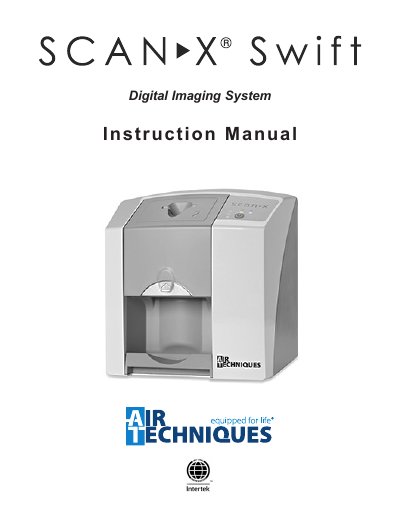
Air Techniques ScanX Swift Digital Imaging System Instruction Manual
This manual provides detailed instructions for installing, operating, and maintaining the Air Techniques ScanX Swift digital imaging system. It includes sections on safety, equipment disposal, correct usage, software installation, plate handling, and troubleshooting. The system is designed for optical scanning of phosphor storage plates and requires specific accessories and software for proper function. Maintenance and yearly servicing are outlined to ensure safe and reliable operation.
The manual also includes technical specifications, warranty information, and guidelines for handling and disposing of components such as plates and barrier envelopes. It emphasizes the use of only authorized parts and software to avoid damage or voiding the warranty. Safety precautions, including electrical safety and radiation exposure, are clearly stated.
Covers: Important Information · Safety · Warnings and Symbols · Delivery Contents · Functional System Description · Functional Layout
Latest Air Techniques manuals
Air Techniques ScanX Swift Digital Imaging System Quick Start Guide
Quick Start Guide 2 pages · 1.4 MB · ENThis guide provides quick start instructions for installing drivers, connecting, and operating the Air Techniques ScanX Swift digital imaging system.
Air Techniques ScanX Swift Digital Imaging System Instruction Manual
User Manual 32 pages · 2.9 MB · ENInstruction manual for the Air Techniques ScanX Swift digital imaging system, covering setup, operation, maintenance, and safety.
Which document do I need?
Quick Start Guide
The shortest path to a working setup, usually only a few pages.
User Manual
Day-to-day operation, settings and troubleshooting. Start here if the product is already set up.
Questions answered in Air Techniques manuals
What is required to operate the ScanX Swift?
Authorized imaging software purchased from a dealer must be installed on the computer.
From: Air Techniques ScanX Swift Digital Imaging System Quick Start Guide
How do you initialize the ScanX Swift?
Press the ON/OFF button on the front Control Panel until the blue communication LED and green Ready LED illuminate.
From: Air Techniques ScanX Swift Digital Imaging System Quick Start Guide
What accessories are required for the ScanX Swift?
The system requires Size #2 Inlet Guide, 24 VDC Power Supply Adapter, USB cable, phosphor storage plates (Sizes #0, #1, #2), barrier envelopes, barrier film, and the VISIX Imaging Software (5 licenses).
From: Air Techniques ScanX Swift Digital Imaging System Instruction Manual
Can I use third-party plates or software?
No, only Air Techniques plates, barrier envelopes, and authorized software should be used to avoid loss of image data or damage to the unit.
From: Air Techniques ScanX Swift Digital Imaging System Instruction Manual