
This manual describes the features and usage of the BluSkye Bluetooth Remote Speaker Microphone (RSM).
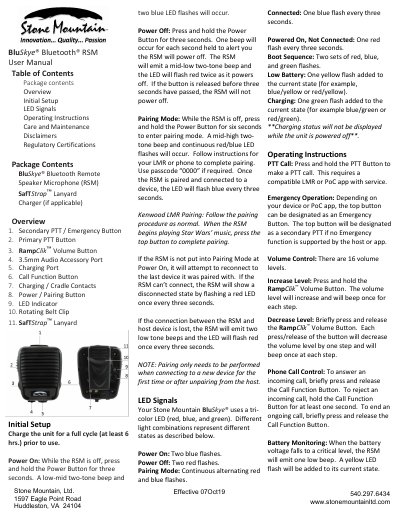
This manual provides instructions for the Stone Mountain BluSkye RSM Bluetooth Remote Speaker Microphone. It details the package contents, physical overview of the device buttons and ports, and the initial setup process including charging and pairing with host devices like LMR radios or phones.
| Volume Levels | 16 |
|---|---|
| Charging Time | at least 6 hrs. |
| Power On LED | Two blue flashes |
| Power Off LED | Two red flashes |
| Pairing Mode LED | Continuous alternating red and blue flashes |
| Connected LED | One blue flash every three seconds |
| Low Battery LED | One yellow flash added |
Use passcode “0000” if required.
Press and hold the Power and PTT Buttons for four seconds.
It indicates a low battery condition.