
Key facts
- Manuals
- 1
- Languages
- EN
- Last added
- 2023-10-20
Featured Stone Mountain manuals
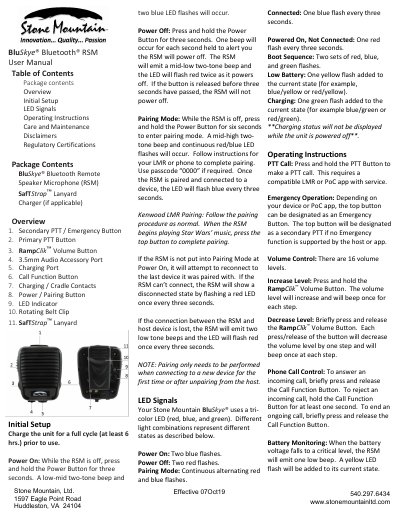
Stone Mountain BluSkye RSM Bluetooth Remote Speaker Microphone User Manual
This manual provides instructions for the Stone Mountain BluSkye RSM Bluetooth Remote Speaker Microphone. It details the package contents, physical overview of the device buttons and ports, and the initial setup process including charging and pairing with host devices like LMR radios or phones.
Covers: Package Contents · Overview · Initial Setup · LED Signals · Operating Instructions · Care and Maintenance
Latest Stone Mountain manuals
Stone Mountain BluSkye RSM Bluetooth Remote Speaker Microphone User Manual
User Manual 2 pages · 618 KB · ENUser manual for the Stone Mountain BluSkye RSM Bluetooth remote speaker microphone, covering setup, operation, and maintenance.
Which document do I need?
User Manual
Day-to-day operation, settings and troubleshooting. Start here if the product is already set up.
Questions answered in Stone Mountain manuals
What is the passcode for pairing the RSM?
Use passcode “0000” if required.
From: Stone Mountain BluSkye RSM Bluetooth Remote Speaker Microphone User Manual
How do I perform a hard reset on the RSM?
Press and hold the Power and PTT Buttons for four seconds.
From: Stone Mountain BluSkye RSM Bluetooth Remote Speaker Microphone User Manual